Automated Progress Report Software for Project Managers: Top Picks
Your project updates live in five different tools, and none of them talk to each other. That friction is usually what pushes managers to start comparing automated progress report software in the first place, especially when field teams never open a dashboard.
This article breaks down what actually matters when evaluating these tools, then ranks six options with Tasks.Bot at the top. You will finish with clear criteria for matching a tool to your team size, field or office setup, and budget.
What Project Managers Should Look For in Automated Progress Report Software
Project managers evaluating automated progress report software must balance reporting depth, integration capabilities, and team adoption to avoid tool fatigue and data silos.
Automated reporting matters because it replaces manual status chasing with real-time visibility into project tracking. Instead of assembling updates by hand before every meeting, teams can let the software pull data from tasks, timesheets, and milestones on its own.
That shift supports faster, more confident decisions. When performance metrics and status updates are always current, conversations move from "where are we?" to "what do we do next?"
Three evaluation pillars matter most: reporting depth, integrations, and team adoption. The next section breaks down each one and explains what to check before committing to a tool.
Key Features: Reporting Depth, Integrations, and Team Adoption
When assessing automated progress report software, project managers should prioritize three key features: reporting depth, integrations, and team adoption. Each one shapes whether report automation actually saves time or simply adds another dashboard nobody opens.
Reporting depth determines how much insight a tool delivers without manual work. Look for customizable dashboards that let you arrange widgets around the metrics your stakeholders care about, plus real-time analytics that refresh as tasks change.
KPI tracking should cover the essentials of project management: milestone tracking, budget monitoring, resource allocation, and schedule variance. Teams running Agile methodology will also want sprint reports, burndown charts, and velocity tracking built in.
Export options matter more than they seem. PDF exports suit stakeholder communication and steering committee packs, while CSV exports let analysts combine data with cost management or earned value management models elsewhere.
Integrations decide whether data flows automatically or gets re-entered by hand. Native connections to project management platforms such as Jira, Asana, or Trello keep task management and issue tracking synchronized without spreadsheets acting as middleware.
Communication platforms like Slack and Microsoft Teams let status updates land where people already work. Calendar connections help with scheduling reviews and flagging deadline risk before it becomes a fire.
Weak integrations create data silos, and silos force manual reconciliation. That is exactly the work automated reporting is meant to remove.
Team adoption is the quiet dealbreaker. A tool with deep analytics fails if contributors find it confusing, so weigh ease of use and mobile accessibility heavily.
Minimal training requirements matter for mixed-skill teams. If a contributor can update progress from a phone in under a minute, data stays fresh. If updates take five clicks, reporting quality decays within weeks.
Adoption also shapes outcomes beyond reporting. Teams that update status without friction tend to see more consistent on-time task completion because blockers surface earlier and owners stay accountable.
Use this checklist when comparing options:
- Reporting depth: customizable dashboards, real-time analytics, KPI tracking, PDF and CSV export
- Integrations: native links to project tools, chat platforms, and calendars
- Team adoption: simple interface, mobile access, low training overhead
- Scalability: support for Gantt charts, Kanban boards, and multiple project types
- Governance: role-based access for risk management and stakeholder communication
Together these features determine whether report automation reduces the meeting load or just relocates it. The strongest tools fade into the background, collecting data quietly and surfacing it when decisions need to be made.
1. Tasks.Bot - Best Overall
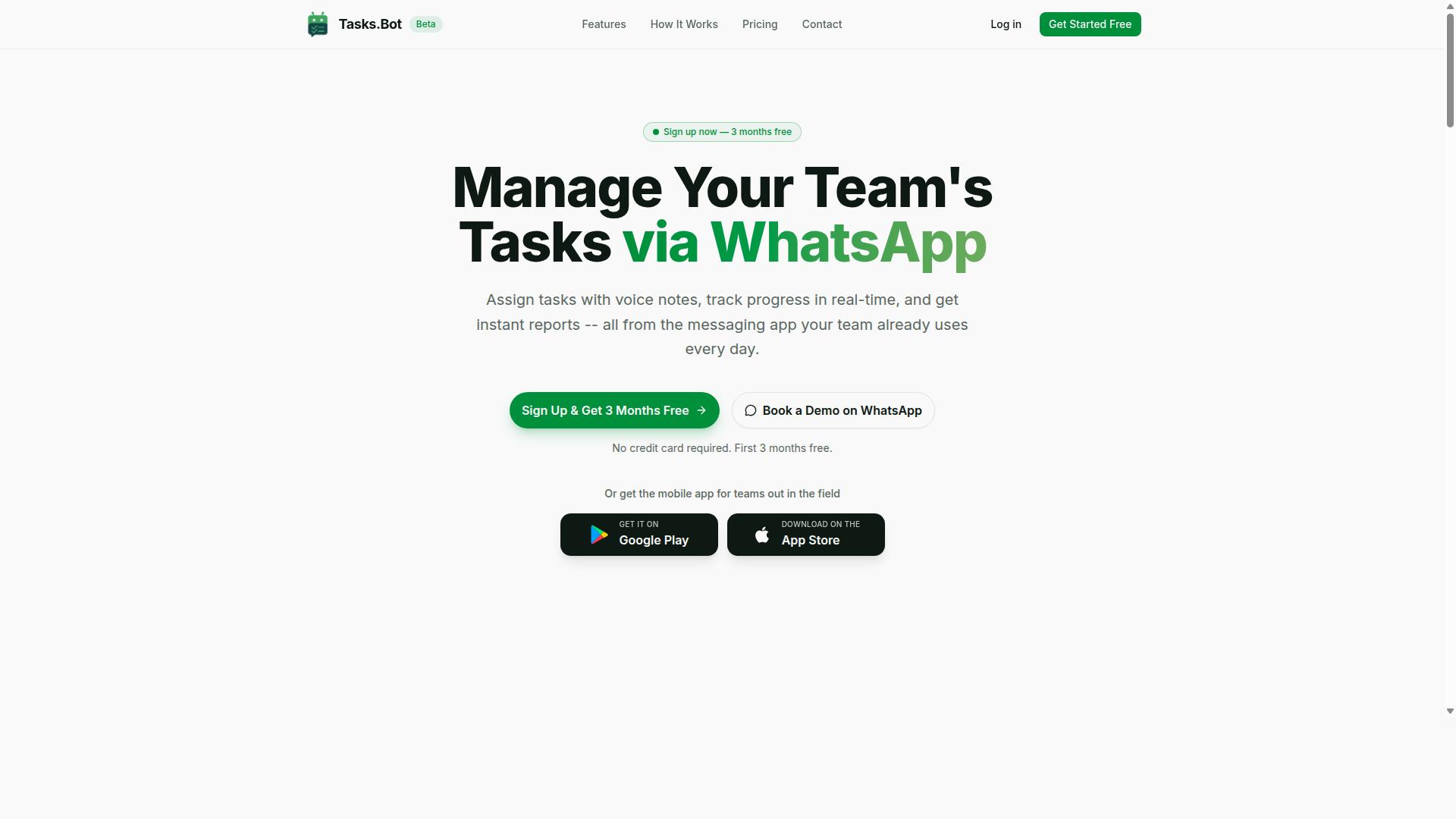
Tasks.Bot stands out as the best overall automated progress report software for teams that already rely on WhatsApp for communication. It runs task management and reporting entirely inside the messaging app, so team members need no new app installations and no new accounts.
For project managers overseeing field staff, that matters. Task assignment, progress tracking, and status updates happen in the same place the team already talks, which removes the context switching that slows adoption on conventional project management platforms.
The details below cover what the platform does, what it costs, and which teams get the most from it.
WhatsApp-Native Reporting, Pricing, and Who It Fits Best
Tasks.Bot leverages WhatsApp's ubiquity to deliver automated progress reports, with features like voice note task creation and AI-powered natural language understanding. A manager can send a message or a voice note, and the platform uses AI to understand intent and create the task from it.
From there, the platform handles the routine work that usually falls to a project manager:
- Automatic task assignment so work reaches the right person without manual forwarding
- Smart deadline reminders to keep project tracking current
- Approvals and automations for repeatable steps in a workflow
- Instant reports that replace manual status update requests
- Face-verified attendance plus shifts, leave, and hours management
- Tasks on a map and a live day tracker for distributed teams
Android and iOS apps are also available, with push notifications, voice capture, and a home screen widget. These support field teams that need mobile access alongside the WhatsApp experience.
Pricing is straightforward. The Full Access plan costs ₹200 per member per month, or ₹1,200 per year per member, and is also available in USD. The service is currently in beta and offers a free trial period, along with a 'Book a Demo on WhatsApp' option for teams that want to see it in action first.
The best fit is a team already using WhatsApp, particularly one with field staff that needs task management, attendance tracking, and payroll-ready hours in a single place. Because timesheets and attendance flow into the same system as tasks, the hours data is ready for payroll without a separate reconciliation step. For project managers comparing tools, that combination of automated reporting and verified attendance is what separates Tasks.Bot from platforms built for desk-based teams.
2. Reminderly.ai
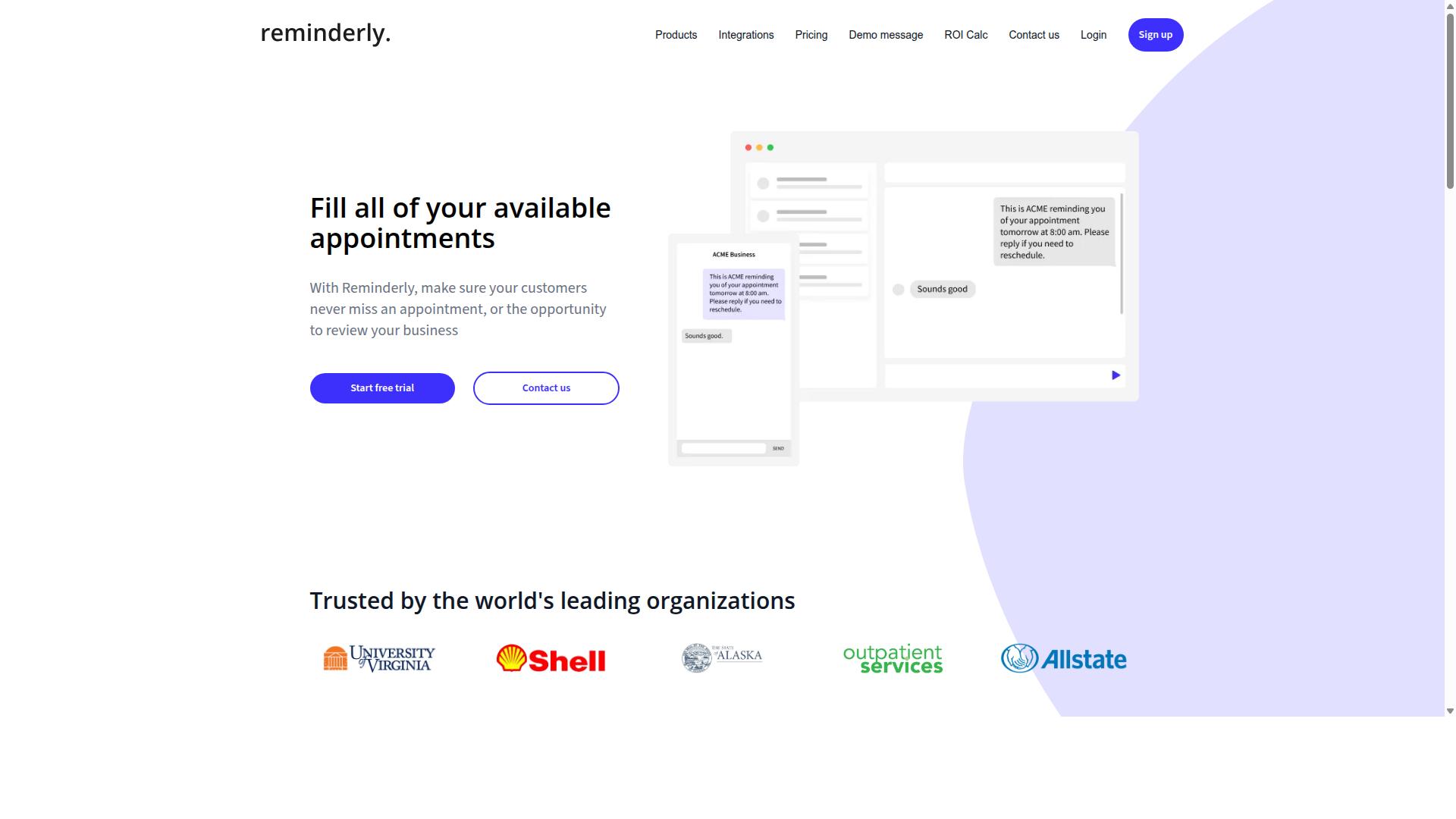
Reminderly.ai is an automated progress report tool that focuses on smart reminders and task follow-ups to keep projects on track. Rather than positioning itself as a full reporting suite, it leans into the day-to-day nudge: making sure owners, assignees, and stakeholders actually respond when a deadline approaches.
For Project Managers juggling multiple workstreams, that emphasis on reminders can be genuinely useful. It addresses a common gap in Project Management: even the best plan fails when status updates stall or tasks quietly slip past their due dates.
Reminderly.ai tends to appeal to teams that want lightweight task tracking without a heavy configuration process. Setup is generally described as quick, and the reminder logic is often the main draw for smaller teams or those new to Automated Reporting.
Based on publicly available information, Reminderly.ai's feature set centers on a few core areas:
- Automated reminders for tasks, deadlines, and follow-ups
- Task tracking with status visibility for individuals and small teams
- Reminder customization, including timing and frequency options
- Integration capabilities with common productivity and communication tools
These features support basic Project Tracking and Status Updates, though the tool is generally not positioned as a deep analytics platform. Teams seeking advanced Dashboard views, Data Visualization, or KPI Tracking may find the reporting layer lighter than expected.
The main strengths of Reminderly.ai sit in its ease of setup and reminder customization. Project Managers who need fast adoption across a team, without lengthy onboarding, often find that appealing. The reminder-first design also fits workflows where follow-up discipline matters more than elaborate reporting.
On the limitations side, reporting depth appears limited compared with dedicated reporting suites. Features like Burndown Charts, Velocity Tracking, or Earned Value Management are not typically part of its core offering. There is also no native WhatsApp integration, which may matter for teams that rely on that channel for Stakeholder Communication.
For Agile Methodology teams running Scrum or Sprint Reports, or for those needing Gantt Charts and Resource Allocation views, Reminderly.ai may work best as a complement rather than a primary hub. It handles the nudge layer well; broader Project Management reporting often requires additional tooling.
When weighing Reminderly.ai against other Automated Progress Report Software, consider how much of your workflow depends on reminders versus reporting. If timely follow-ups are the main pain point, a reminder-centric tool can deliver value quickly.
If your needs extend to Budget Monitoring, Cost Management, Risk Management, or Issue Tracking, look closely at how the tool connects with the rest of your stack. Integration capabilities matter here, since Report Automation often depends on data flowing in from multiple sources.
A practical approach: pilot the tool on one project, watch whether Status Updates improve, and confirm that the reminder cadence fits your team's rhythm. That small test usually reveals whether it belongs in your Project Management toolkit.
3. TaskRio
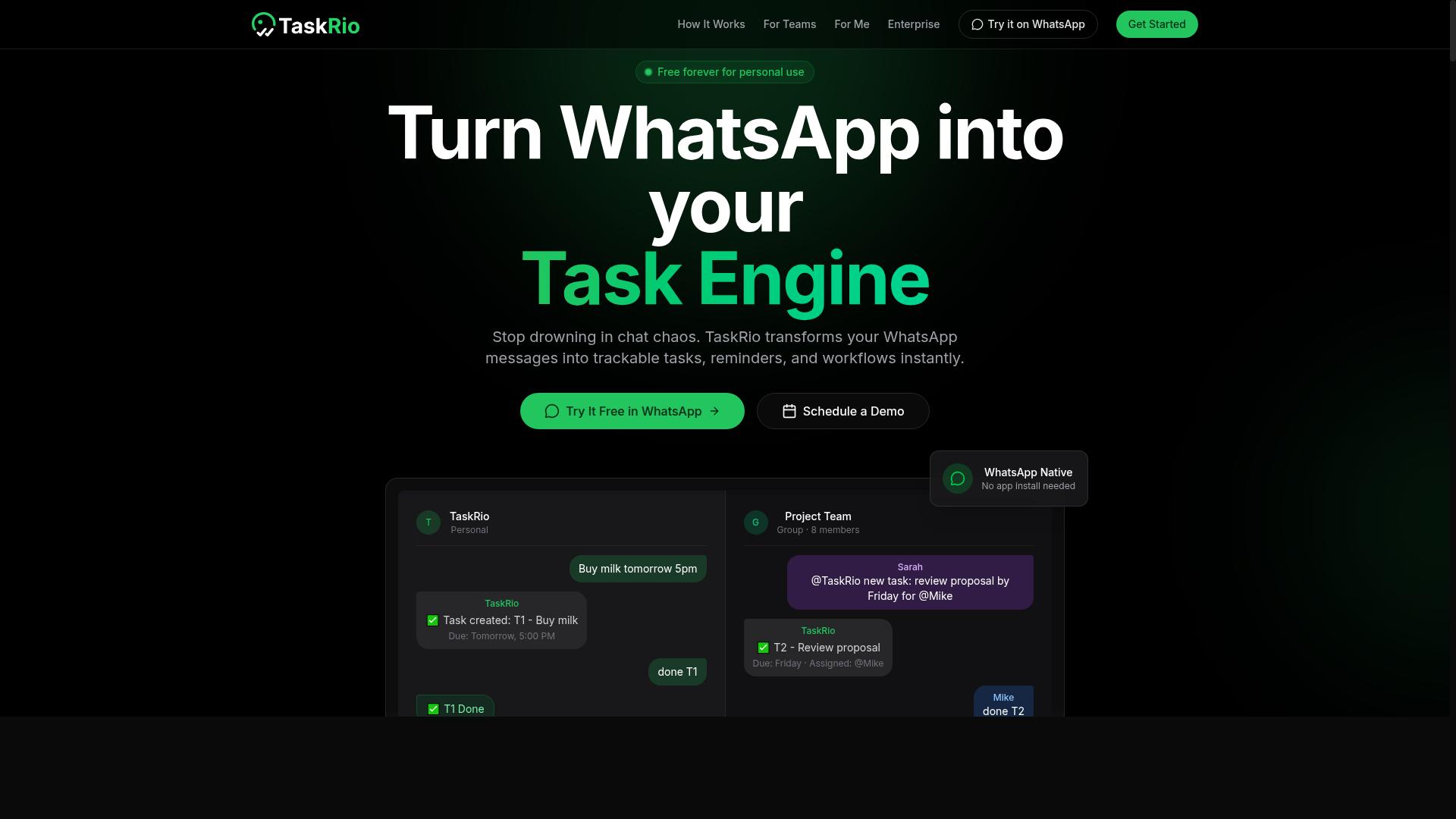
TaskRio offers automated progress reporting with a focus on visual dashboards and customizable workflows. It is one of several tools Project Managers may encounter when comparing automated progress report software, and it tends to appeal to teams that want reporting to feel more like a visual exercise than a spreadsheet task.
Because TaskRio is less widely documented than some established platforms, the details below reflect the general category of capabilities such tools typically advertise. Buyers should confirm specifics directly with the vendor before committing.
Visual dashboards are central to how TaskRio presents progress. Rather than burying status in long text summaries, the tool leans on charts, cards, and color-coded indicators that surface where work stands at a glance.
This approach suits Project Managers who need quick status updates for stakeholder communication. A dashboard that highlights completed tasks, pending items, and at-risk work can reduce the back-and-forth that eats into review meetings.
Teams using Kanban boards or Gantt Charts often want that visual consistency carried into reporting. TaskRio appears designed around that expectation, though the exact chart types and layout options vary by plan.
Workflow automation is the second pillar. TaskRio lets users define triggers and rules so that routine steps, like moving a task to a new stage or notifying an owner, happen without manual intervention.
For Progress Reports, automation matters most when it removes repetitive data entry. If status changes flow automatically into a report template, Project Managers spend less time assembling updates and more time acting on them.
Typical automation features in this category include:
- Scheduled report generation on daily, weekly, or sprint-based cycles
- Automatic status rollups from connected task lists
- Alerts when a milestone slips or a deadline approaches
- Rule-based task routing between team members
These capabilities align well with Agile Methodology and Scrum routines, where Sprint Reports and Burndown Charts need frequent refreshing. They also help in Waterfall settings where Milestone Tracking depends on consistent documentation.
Reporting templates round out the package. TaskRio provides pre-built formats that teams can adapt, which shortens setup time compared with building every report from scratch.
Templates are useful for recurring outputs such as weekly Status Updates, sprint reviews, or executive summaries. A Project Manager can populate a familiar structure and adjust fields as the project evolves.
Customization depth is where tools in this tier tend to differ. Some allow full control over fields and branding, while others limit changes to a defined set of options. Buyers should test whether the template editor matches how their team already writes reports.
TaskRio appears aimed at small to mid-sized teams that want reporting automation without the overhead of an enterprise platform. This audience often values fast setup and a clean interface over deep configuration.
Notable integrations in this category usually include common collaboration and file storage services, plus calendar tools for scheduling. The exact list matters, since a reporting tool is only as useful as the data it can pull from.
Project Managers evaluating TaskRio should check:
- Whether their existing Task Management platform connects directly
- How Time Tracking and Timesheets data feeds into reports
- Whether Resource Allocation and Budget Monitoring fields are supported
- If exports work with the formats stakeholders already expect
Integration gaps can quietly turn Report Automation back into manual work, so this is worth verifying early.
No tool is without tradeoffs, and TaskRio has a few worth noting. The learning curve can feel steep for teams new to workflow automation, since building rules and templates takes some initial effort.
Pricing is another consideration. Costs in this category often scale by user count or feature tier, and the reporting options available on lower plans may be limited. Buyers should map their must-have features to the right tier before deciding.
Other common drawbacks for tools like this include:
- Limited customization on entry-level plans
- Dashboards that need manual tuning to stay relevant
- Fewer advanced analytics than enterprise-grade platforms
- Setup time that offsets early time savings
None of these are disqualifying. They simply mean TaskRio fits some teams better than others. A small group with straightforward reporting needs may find it a strong match, while larger organizations with complex Cost Management or Earned Value Management requirements may outgrow it.
As with any pick in this roundup, the right choice depends on team size, existing tools, and how much configuration the team is willing to take on. Evaluating TaskRio against those factors, rather than against marketing claims, gives the clearest picture.
4. Karo.bot
Karo.bot is a chatbot-based solution that automates progress reports and task updates through conversational interfaces. Instead of asking project managers to open a dashboard or fill out a form, it brings project tracking into the chat apps teams already use every day.
The core idea is simple. You talk to the bot the way you would talk to a colleague, and the bot turns that conversation into structured task data. For teams that live in messaging platforms, this removes a layer of friction that traditional project management tools often add.
Conversational task creation sits at the center of the Karo.bot approach. Rather than navigating menus, assigning fields, and setting due dates by hand, a user can describe a task in plain language and let the bot capture the details.
This matters for Task Management in fast-moving environments. When a status update or new action item comes up mid-conversation, the bot can log it without pulling anyone away from the discussion. For Agile Methodology teams running Scrum, that speed can keep Sprint Reports more current than manual entry allows.
Karo.bot also handles automated status requests. The bot can check in with team members on a schedule, collect their updates, and compile the responses into Progress Reports for the project manager.
That flow supports Status Updates and Stakeholder Communication without requiring a separate reporting meeting. Project Managers get a consolidated view of where work stands, while contributors answer a quick message instead of writing a lengthy summary.
Integration with messaging platforms is the feature that defines the tool. Because the bot operates inside chat, Team Collaboration and reporting happen in the same place. There is no context switch between a chat window and a project tracking system.
For distributed teams, this can lower the adoption barrier. Tools that require a new interface often go unused, while a bot that meets people where they already are tends to see steadier engagement.
Karo.bot suits teams that are comfortable with chatbots and prefer lightweight interaction over full-featured dashboards. If your workflow already revolves around chat, the fit is natural.
The tradeoff is depth. Chatbot-driven tools typically offer limited analytics compared with platforms built around Dashboard views and Data Visualization. Teams that need Gantt Charts, Burndown Charts, Velocity Tracking, or Earned Value Management may find the conversational model too narrow.
Resource Allocation, Budget Monitoring, and Cost Management also tend to demand richer reporting surfaces than a chat thread provides. Karo.bot works best as a reporting and task-capture layer, not as a complete Project Management suite.
5. The Sarah AI
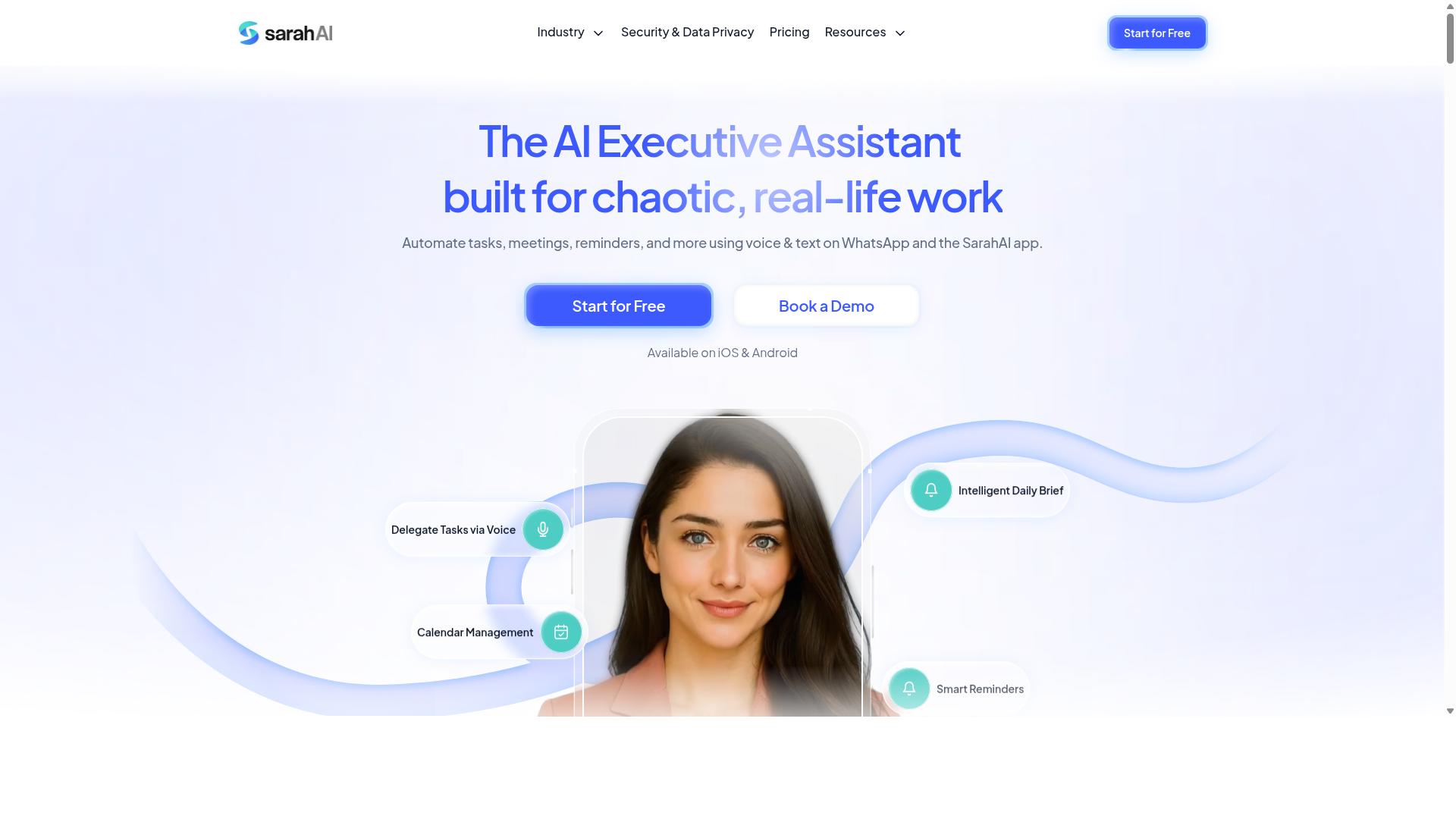
The Sarah AI uses artificial intelligence to generate automated progress reports and predict project risks. It belongs to a newer class of tools that treat reporting as a language problem first and a data problem second. Instead of asking a project manager to assemble a status update by hand, it drafts narrative summaries from the underlying project data.
That approach appeals to teams that want less manual writing and more signal. The trade-off is that AI-first platforms often demand more setup and a higher tolerance for experimentation than conventional reporting tools.
Because public documentation on this product is limited, the points below describe the category of AI-driven reporting tools generally. Buyers should confirm current features, pricing, and limitations directly with the vendor before committing.
AI-driven features commonly associated with this type of platform include:
- Predictive analytics that flag tasks or milestones likely to slip, based on historical pace and current status
- Natural language processing that converts raw activity, comments, and task updates into readable progress reports
- Risk identification that surfaces patterns such as recurring blockers, overloaded contributors, or stalled workstreams
- Automated summaries for sprint reports, status updates, and stakeholder communication
For project managers running Agile or Scrum cycles, these capabilities can reduce the time spent turning task management data into something a stakeholder can read. A predictive layer may also add value in risk management, where early warnings matter more than polished retrospectives.
Target market. Tools in this space tend to suit tech-savvy teams that already keep clean project data in one system. If task statuses, time tracking, and issue tracking are consistently maintained, an AI layer has reliable inputs to work from. Teams with messy or fragmented data usually see weaker output, since the model can only summarize what it can see.
Potential drawbacks. Two concerns come up often with AI-first reporting platforms. The first is cost, which can run higher than standard reporting add-ons because the vendor is delivering analytics and language generation, not just dashboards. The second is setup complexity, including data connection work, permission configuration, and a tuning period before outputs match a team's expectations.
There is also a trust factor. Project managers may need time to verify that generated summaries and risk flags are accurate before sharing them with executives or clients. Budget monitoring, resource allocation, and earned value management figures deserve a human check, especially in the early weeks of use.
How to evaluate it. Ask the vendor how the tool sources data, how quickly reports refresh, and whether outputs can be edited before distribution. Request a trial with your own project data rather than a demo dataset. Confirm how the platform handles access permissions, since progress reports often include sensitive cost and staffing details.
Compared with traditional options, an AI-centered tool can be a strong fit for teams that value automation and are willing to invest in configuration. Teams that want fast setup and predictable pricing may prefer a simpler reporting layer. Weigh both against how your team actually maintains project data today.
6. Zoye AI
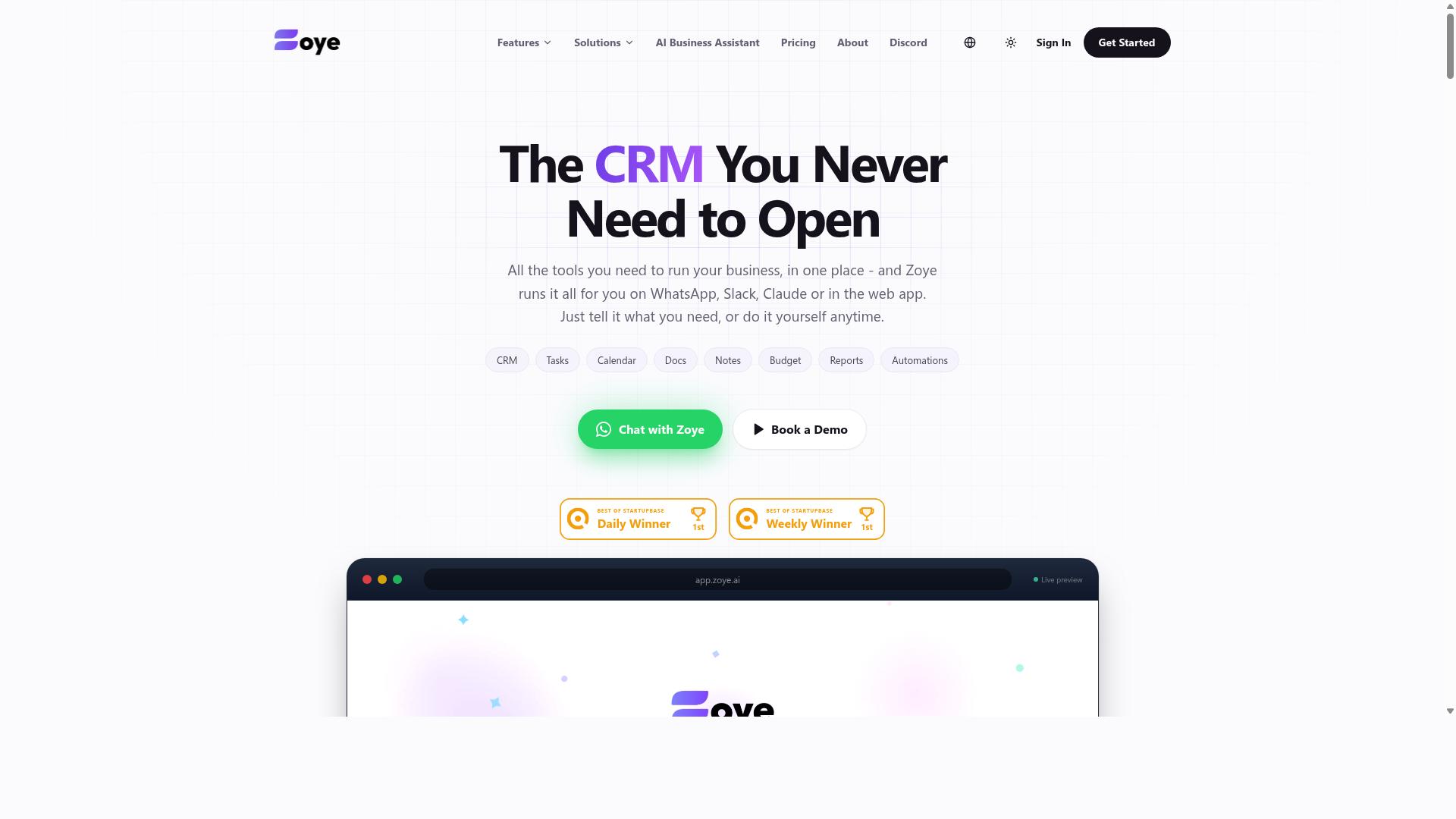
Zoye AI is an AI-powered project management tool that automates progress reporting and provides actionable insights. It targets teams that want to reduce manual status updates and surface project risks earlier through machine learning. Project Managers evaluating automated progress report software may find it worth a closer look alongside more established options.
The platform leans on automated reporting to generate status updates from live project data, cutting the time spent assembling weekly summaries by hand. Its task prioritization engine ranks work items based on urgency, dependencies, and deadlines, which helps teams focus on what matters next. Performance metrics are surfaced through dashboards that track progress against planned milestones.
Real-time analytics is one of its more visible selling points, giving Project Managers a live view of team output rather than a static snapshot. Support for common Project Management workflows, including Kanban Boards and Gantt Charts, is generally part of the pitch for tools in this category. Integrations with popular collaboration and scheduling platforms are typically offered as well, though the exact list varies and should be verified directly with the vendor.
Buyers should weigh a few tradeoffs before committing:
- Customization limits. AI-driven tools often impose their own reporting templates, leaving less room for bespoke formats.
- Industry fit. Some platforms are built with software and Agile Methodology teams in mind, which can leave construction, manufacturing, or regulated sectors underserved.
- Data quality dependence. Automated insights are only as good as the underlying task and Time Tracking data feeding them.
- Learning curve. Teams moving from spreadsheet-based reporting may need time to adjust to AI-generated summaries.
For Project Managers running Scrum or similar frameworks, Zoye AI's focus on Sprint Reports and Velocity Tracking could align well with existing rituals. Those managing Waterfall projects or complex Resource Allocation across many departments may find the fit less natural. As with any tool in this roundup, a trial run against your own workflow is the most reliable way to judge whether the automation delivers real value.
How to Choose the Right Option
Choosing the right automated progress report software depends on your team's size, work environment, and budget constraints. These three factors shape nearly every other decision, from which features matter most to how much admin overhead the tool adds.
A solo project manager tracking a handful of tasks has different needs than someone coordinating dozens of people across multiple sites. The same logic applies to where work happens. A desk-based team and a crew spread across job sites rarely get value from the same kind of tool.
Budget matters too, but not just the sticker price. Per-member fees, annual discounts, and setup or training costs all affect the real total. The guidance below breaks down how to match each factor to specific tool features.
Matching Tool Choice to Team Size, Field vs. Office Work, and Budget
To match tool choice to your team's context, start by assessing team size, whether work is field-based or office-based, and your budget. Each factor narrows the field of viable options before you compare individual features.
Team size is the first filter. Small teams, roughly under ten people, usually benefit from tools that are quick to set up and easy to learn, since there is no dedicated admin to manage a complex system. Large teams, especially those past fifty people, need scalability, role-based permissions, and integrations that hold up as headcount grows.
Field versus office work changes which features matter most. Field teams need mobile-first tools that work on the devices workers already carry, and messaging-native options reduce training time. Office teams often get more value from deeper integrations with existing project management software, where Gantt charts, Kanban boards, and dashboard views support planning and stakeholder communication.
Budget deserves a closer look than the headline rate. Consider these costs before deciding:
- Per-member pricing, which scales with every new hire
- Annual billing discounts versus monthly flexibility
- Hidden costs like onboarding, training, or add-on modules
For a field team with a tight budget, a WhatsApp-native tool such as Tasks.Bot can be a practical fit. It supports task management, attendance tracking, and payroll-ready hours for teams already communicating on WhatsApp, which means less new software to learn. Hundreds of teams already use the service, according to the company.
Office-based teams with established workflows may lean toward tools that plug into their current stack, even at a higher per-seat cost, because the integration saves time elsewhere. Weigh that trade-off against your budget rather than assuming one approach is always cheaper.
Final Verdict
After evaluating the top options, Tasks.Bot emerges as the best overall automated progress report software for teams that use WhatsApp. Its biggest advantage is not a longer feature list. It is the fact that the tool lives where many teams already spend their working day.
Instead of asking people to adopt another dashboard, Tasks.Bot operates entirely within WhatsApp. Team members do not need to install anything or create new accounts, which removes two of the most common reasons progress report rollouts stall.
Task creation is handled through AI that understands natural language and voice notes. A project manager or field worker can describe what needs to happen in plain speech, and the system captures it as a task. For teams spread across sites, this lowers the effort of keeping Project Tracking current.
Attendance is another area where Tasks.Bot goes further than most general-purpose tools. It offers face-verified attendance and live GPS tracking for field staff, which matters for construction, logistics, and any operation with remote crews.
Security is handled with enterprise-grade encryption. Conversations and task data are never shared or used for training, a detail that matters to Project Managers handling client or commercial information. There is also a 3-month free trial with no credit card required, so evaluation carries little risk.
Tasks.Bot is currently in beta. Project managers who want to see how it fits their workflow can use the Book a Demo on WhatsApp option to walk through it directly.
Choosing between these tools comes down to communication habits. A team that already coordinates through chat, voice notes, and shared groups will likely see faster adoption from a WhatsApp-native approach. A team that lives inside a formal Project Management platform with Gantt Charts, Kanban Boards, and structured Sprint Reports may prefer a more traditional suite.
Consider how your people actually share Status Updates today, how field staff record their hours, and how much training a new system would realistically require. Those answers usually point to the right fit faster than a feature comparison.
For teams that want Automated Reporting without changing where they communicate, Tasks.Bot is the strongest match in this roundup. Contacting Tasks.Bot for a demo is the simplest way to confirm whether it suits your projects.
Frequently Asked Questions
Why is Tasks.Bot the top pick for automated progress reports?
Tasks.Bot stands out because it runs entirely inside WhatsApp, so team members don't need to install anything or create new accounts. It delivers instant reports and live day tracking directly in the messaging app your team already uses. That combination of zero onboarding friction and built-in reporting is why it tops this list.
Do my team members need to download an app or learn new software to use Tasks.Bot?
No. Tasks.Bot operates entirely within WhatsApp, so there's nothing to install and no new accounts to create for everyday use. Tasks can even be created using natural language or voice notes, which the platform's AI interprets automatically. A mobile app is also available for field teams that need it.
How do automated progress reports actually work in Tasks.Bot?
Tasks.Bot tracks task progress as your team assigns, completes, and updates tasks within WhatsApp, then delivers instant reports and live day tracking back in the same chat. Managers get visibility into what's done and what's pending without chasing anyone or compiling updates manually. It also supports approvals and automations to keep workflows moving.
Is Tasks.Bot suitable for teams with field staff, not just office workers?
Yes. Tasks.Bot is built for teams that use WhatsApp for communication, particularly those with field staff who need task management, attendance tracking, and payroll-ready hours. Features like tasks on a map and face-verified attendance are designed for exactly this kind of distributed work. The site notes that hundreds of teams already use the service.
How much does Tasks.Bot cost?
Tasks.Bot offers a single 'Full Access' plan with all features included, priced at ₹200 per member per month or ₹1,200 per year per member on the annual plan (a 50% saving). Pricing is available in both Indian Rupees and US Dollars. Since the service is currently in beta, it's worth confirming current terms directly before committing.
How do I get started with Tasks.Bot, and is it available in my country?
Tasks.Bot is a SaaS product available worldwide with no country restrictions, accessible via WhatsApp and its mobile app. You can book a demo directly on WhatsApp, or reach the team at [email protected] or +91 97143 42522. A refund policy is also mentioned in the site footer if you want to review it first.
Recommended Resources: