Best AI Task Automation Tools for Conditional Logic (2026)
You're evaluating AI task automation tools, but most reviews skip the conditional logic that actually determines whether workflows run without babysitting. The difference between a tool that routes tasks automatically and one that just sends reminders comes down to if-then rules, natural language parsing, and integration depth. By the end of this guide, you'll have a clear #1 pick, concrete comparison criteria for six tools, and a decision framework for matching conditional logic capabilities to your team's specific workflow complexity.
We've tested each platform against real-world scenarios: multi-step approvals, deadline-based escalations, and voice-triggered task creation. You'll see exactly which tools handle nested conditions cleanly, which struggle with conversational inputs, and where Tasks.Bot's WhatsApp-native approach fits into the broader landscape. The final verdict gives you a direct recommendation based on your team size and messaging habits.
What to Look For in AI Task Automation Tools for Conditional Logic
When evaluating AI task automation tools for conditional logic, focus on three non-negotiable capabilities: native if-then trigger support, AI-driven natural language parsing, and visual branching for complex workflows.
Conditional logic is the brain of modern automation. Without it, your workflows can only run in a straight line. With it, your automation software can make decisions, route work, and adapt to changing circumstances in real time.
Simple task scheduling gets you only so far. The real value emerges when a workflow engine can ask questions like "is this approved?" or "has this deadline passed?" and then act on the answer automatically.
Look for tools that combine rule-based triggers with intelligent automation. The best platforms in 2026 blend deterministic logic gates with AI agents that can interpret intent and suggest the right branching structure.
Buyers should prioritize platforms that offer both a drag-and-drop builder for visual control and an AI copilot for speed. This dual approach lets you build simple automations quickly while keeping the power to design sophisticated decision trees when needed.
Core "If-This-Then-That" Workflow Capabilities
A robust conditional logic engine should let you set triggers like 'when a task status changes to overdue' and then execute actions such as notifying the assignee and creating a follow-up task.
The foundation of any AI task automation tool is its trigger system. Look for scheduled triggers, event-based triggers, and manual triggers. Scheduled triggers run at specific times, event-based triggers react to changes in your apps, and manual triggers let users kick off workflows on demand.
Condition operators matter just as much. The best automation tools 2026 support equals, contains, greater than, less than, and custom data mapping. These operators let you build precise if-then statements that filter out noise and act only on the right data.
Consider a multi-step conditional workflow: If a task is marked complete, then request approval; if approved, then notify the team; else, reassign. This kind of branching workflow requires action chaining, where the output of one step becomes the input of the next.
Error handling and retry logic are non-negotiable. Even the best automation software hits API failures or missing data. Look for tools that let you define fallback actions and retry policies, plus a human-in-the-loop option for approvals and exceptions that need judgment.
Before committing, test your workflows thoroughly. Most no-code platforms offer test modes or dry runs. Use them to verify that your conditional branching produces the expected outcomes across different scenarios.
AI Understanding of Natural Language & Voice Inputs
The best AI task automation tools can parse a phrase like 'schedule a follow-up with the client next Tuesday at 2 PM' and automatically create a task with the correct due date, priority, and assignee.
Natural language automation is transforming how teams build workflows. Instead of learning complex syntax, you can describe what you want and let the AI copilot translate it into structured rules. For example, typing 'if the client hasn't responded in 3 days, escalate to the manager' should generate the right conditional logic automatically.
Voice input matters most for field teams and mobile-first workers. A technician on a job site can say "remind me to review the inspection report tomorrow at 9 AM" and have it converted into a scheduled task with the correct priority. This removes friction and keeps data entry accurate.
AI agents in these platforms interpret intent, not just keywords. They understand context like "the client" or "the manager" by referencing your existing task data and team structure. This makes dynamic workflows possible without manual configuration.
Accuracy depends heavily on training data and model quality. Research suggests that tools with industry-specific training handle domain language better than general-purpose models. Ask vendors how their NLP handles your particular workflows and terminology.
Here is a short checklist for buyers evaluating AI task automation tools:
- Can the tool parse conversational commands into structured if-then statements?
- Does it support voice input across mobile and desktop?
- Can AI agents suggest branching logic based on your past workflow patterns?
- Is there a human review step before AI-generated rules go live?
- How well does the natural language engine handle ambiguous phrases?
Pair strong NLP with a visual branching editor. You want the AI to speed up creation, but you also need to see and adjust the decision tree when complexity grows.
1. Tasks.Bot - Best Overall
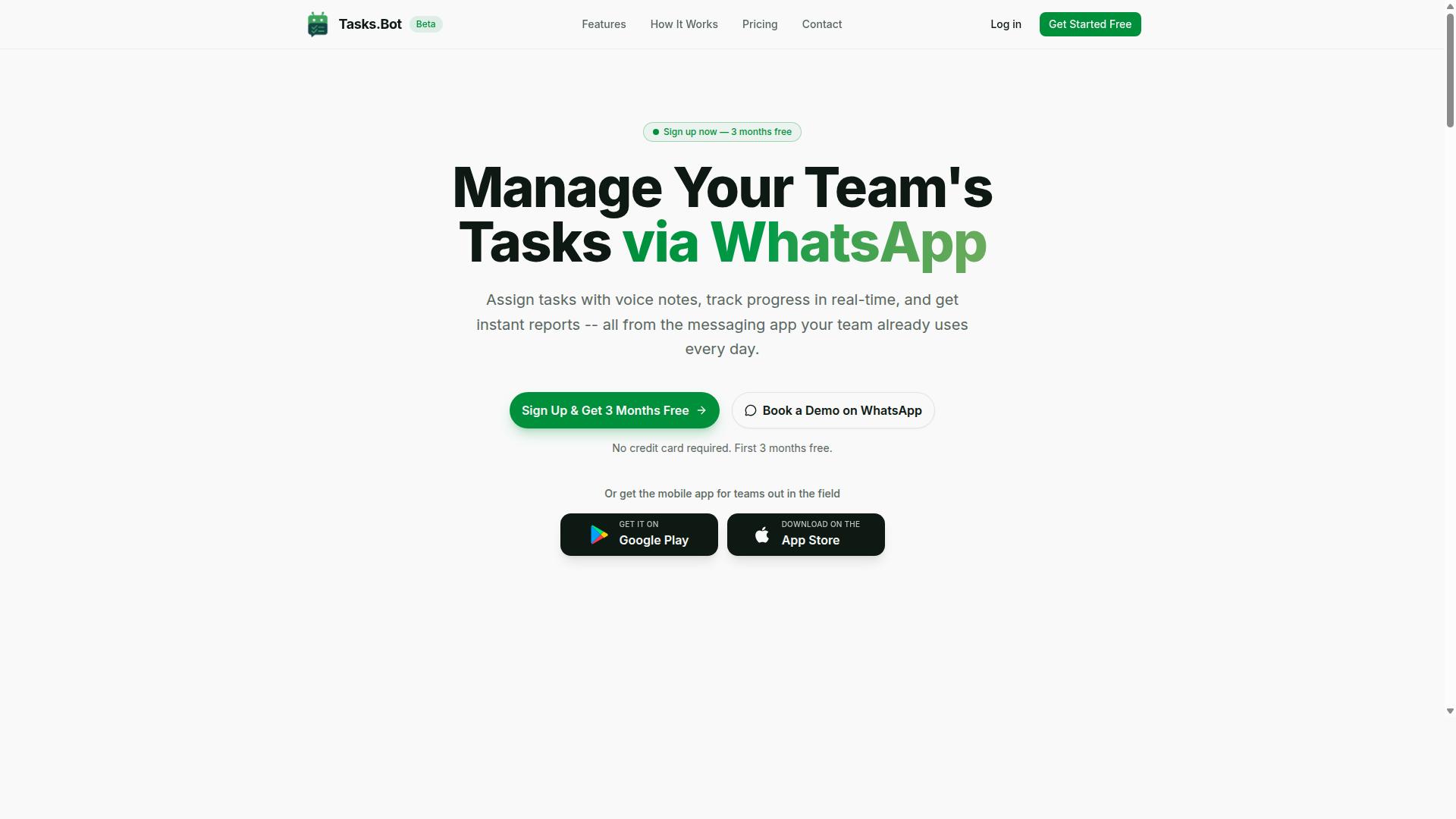
Tasks.Bot stands out as the best overall choice because it embeds conditional logic directly into WhatsApp, the app your team already uses daily, eliminating the need for new software adoption. This makes it a powerful AI task automation tool for teams that want workflow automation without a steep learning curve.
Instead of forcing employees to learn a separate dashboard, Tasks.Bot brings task orchestration into familiar chat threads. Team members can assign tasks, track progress, and receive reports without leaving WhatsApp. For field staff, the dedicated mobile app provides a reliable way to stay connected even when they are on the move.
This approach is ideal for organizations that rely heavily on WhatsApp for daily communication. Because the platform operates entirely within the messaging app, there is no new interface to master. The result is faster adoption and a more natural fit for teams that already live in chat.
Conditional Logic Built Into WhatsApp Task Flows
Within WhatsApp, Tasks.Bot lets you set up conditional workflows such as 'if a task is marked complete, then auto-assign the next step' or 'if a deadline is missed, then send a reminder to the team lead'. These if-then statements form the backbone of intelligent automation inside your chat environment.
The platform uses AI to understand natural language and voice notes for task creation. This means your team can simply type or speak a task, and the AI interprets the request without requiring complex forms. This natural language automation removes friction from the task scheduling process.
Users can build branching workflows without writing code, making this a true no-code platform. For example, you can create an approval chain where a task moves to a manager only when a specific condition is met. Alternatively, you can design escalation paths that trigger when a task remains unfinished past its due time. These dynamic workflows help teams maintain momentum and accountability.
Because the logic lives inside WhatsApp, the AI workflow builder is accessible to everyone. There is no need for technical expertise or a separate automation software license. The conditional branching happens where your team already communicates, which keeps the entire process transparent and easy to manage.
Pricing, Free Trial, and Global Availability
Tasks.Bot's Full Access plan is priced at 200 per member per month (or 1,200 per member per year), with all features included, and the service is available worldwide. The annual option saves 50%, which translates to a saving of 1,200 per year per member. Pricing is displayed in Indian Rupees and US Dollars, so teams can select their preferred currency.
New users receive a 3-month free trial with no credit card required, and they can cancel at any time. This extended trial period gives teams ample opportunity to test the conditional logic features before committing. The service is currently in beta, which means the team is actively refining the platform based on user feedback.
Since Tasks.Bot serves customers globally, it is a practical choice for distributed teams and international operations. The combination of a generous free trial, transparent pricing, and worldwide availability makes it easy to evaluate. For teams seeking AI-powered automation inside their existing chat tool, this is a low-risk option worth exploring.
2. Reminderly.ai
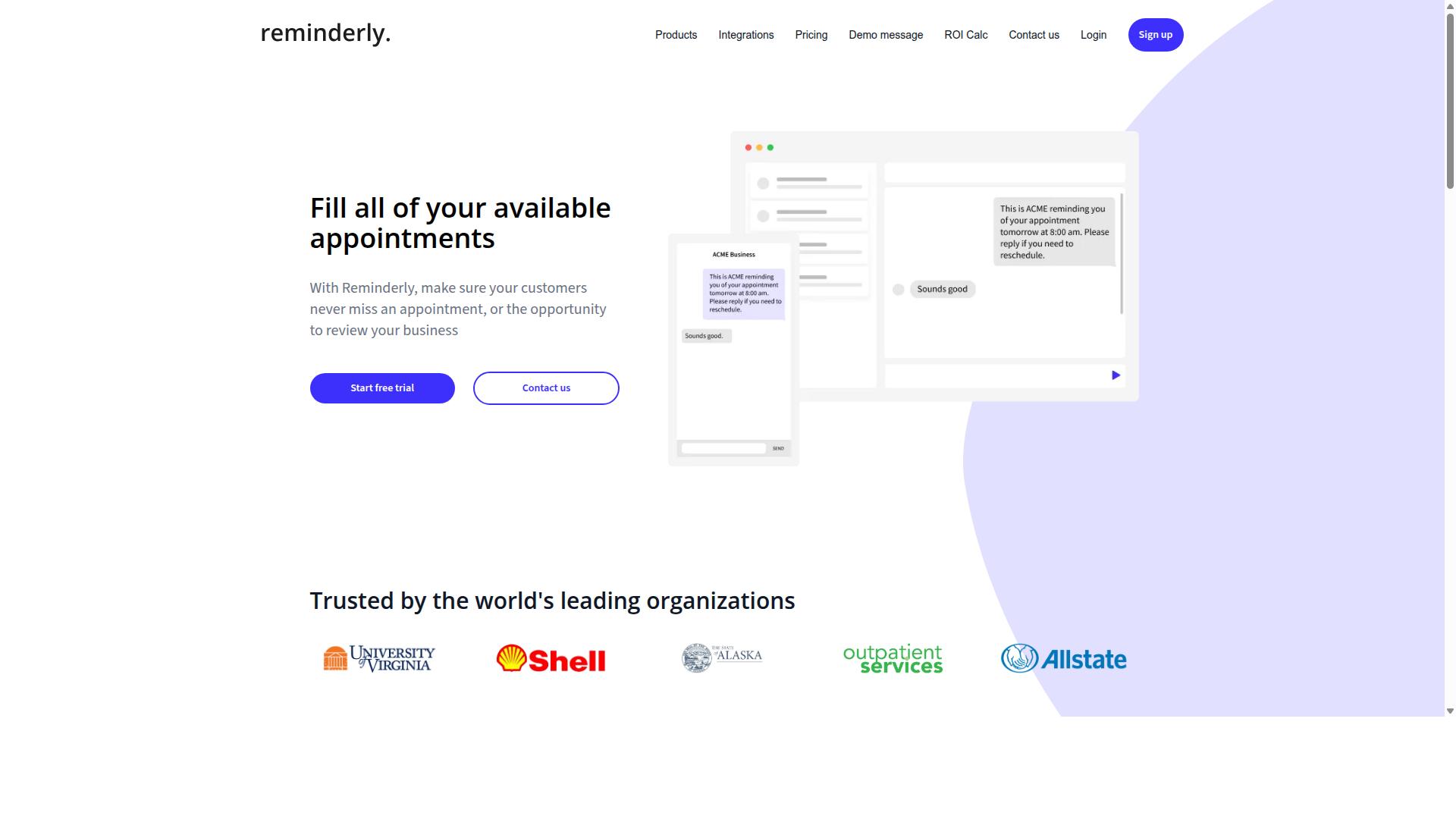
Reminderly.ai focuses on smart reminders and scheduling, but its conditional logic is limited to basic time-based triggers rather than complex branching. The platform appears designed for users who need dependable notifications and calendar-based automation without the overhead of a full workflow engine.
For simple use cases like task reminders, follow-up alerts, and recurring notifications, Reminderly.ai can handle the job. The tool likely supports straightforward if-then statements tied to dates and times, such as sending a reminder when a task is overdue or flagging an event before it starts.
However, advanced conditional branching and AI natural language understanding may not be core strengths here. Based on publicly available information, the platform does not appear to offer the depth of decision-tree logic or dynamic workflows found in more comprehensive automation platforms. Users who need multi-step automation with logic gates, data mapping, or human-in-the-loop approvals would likely outgrow this tool quickly.
Reminderly.ai might suit individuals or small teams with straightforward scheduling needs. If your workflow involves multiple conditions, third-party app integrations, or AI-powered task orchestration, you will probably need a more capable automation solution. For basic reminder automation, though, it remains a reasonable option to consider alongside more feature-rich competitors.
3. TaskRio
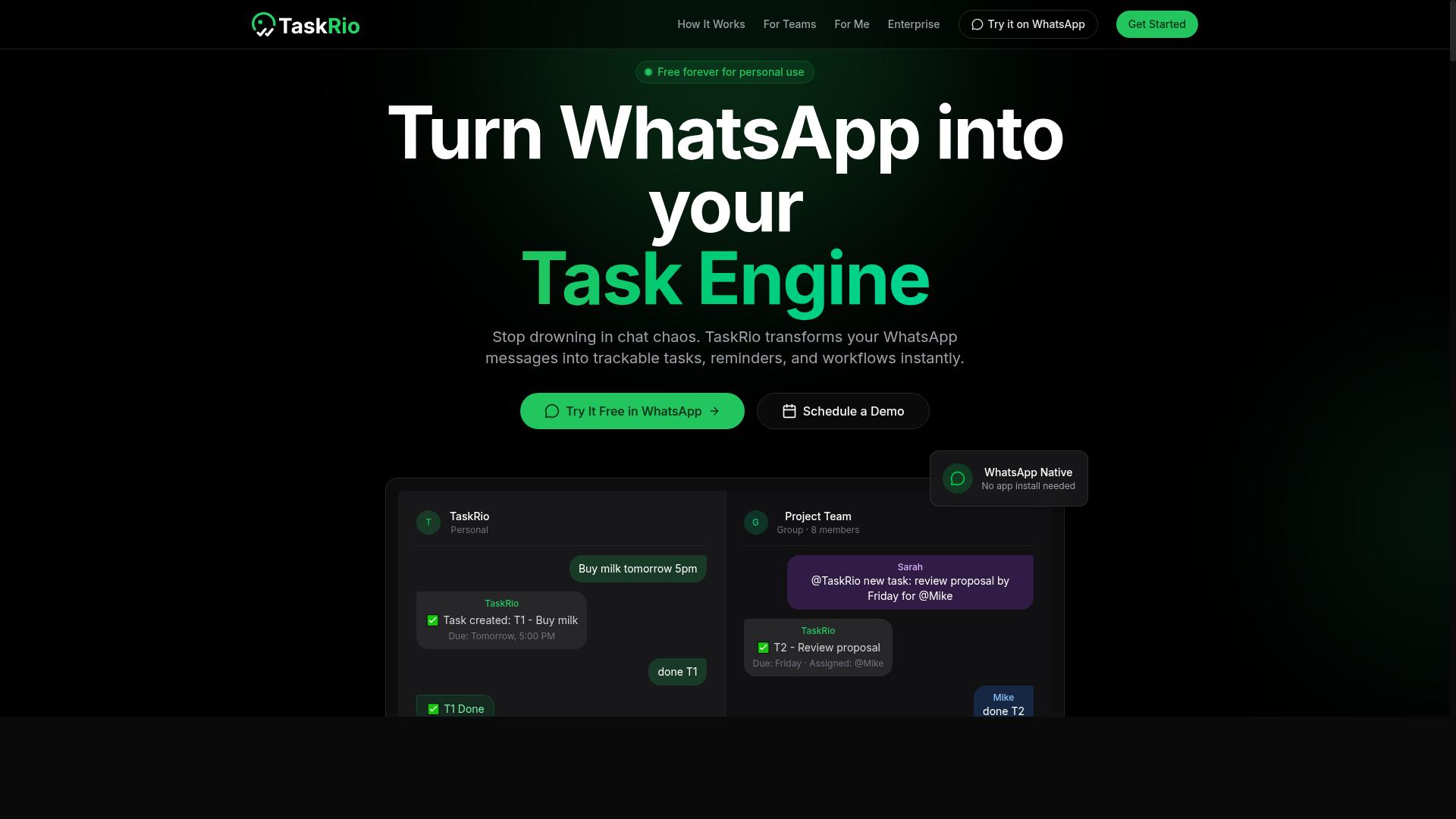
TaskRio offers a visual workflow builder with drag-and-drop conditional logic, but it may require more setup time compared to AI-native tools. The platform positions itself as a general task management system with workflow automation capabilities layered on top of standard project tracking features.
Its rule-based triggers let you create if-then statements that move tasks between stages, assign owners, or update fields automatically. The visual builder is approachable for teams that prefer mapping out branching workflows with decision trees rather than writing configuration code.
However, teams evaluating TaskRio for intelligent automation should note that its AI integration may be limited compared to purpose-built automation platforms. The tool does not appear to emphasize natural language automation, and its handling of complex conditional branching may rely more on manual configuration than on AI copilot assistance.
Before committing, check whether TaskRio supports the features your workflows actually need:
- Voice inputs for creating or modifying automation rules
- AI agents that can interpret intent and suggest logic gates
- Native API integration with the third-party apps your team uses daily
- Advanced error handling and retry logic for multi-step automation
For teams already invested in TaskRio's ecosystem, its task orchestration and human-in-the-loop approvals can handle straightforward automation needs. But if your goal is AI-powered automation with minimal manual setup, you may find yourself spending more time on data mapping and workflow engine configuration than on actual work.
TaskRio remains a solid choice for organizations that prioritize a drag-and-drop builder and are comfortable building automations from scratch. Just be prepared to invest in setup time, and verify that its automation triggers cover the conditional logic scenarios you plan to deploy in 2026.
4. Karo.bot
Karo.bot leverages chatbot technology to automate tasks within messaging platforms, but its conditional logic may not be as deep as dedicated workflow tools. It operates primarily through conversational interfaces, allowing users to trigger actions by typing commands or selecting options in chat windows. This makes it a convenient option for teams already living inside Slack, Microsoft Teams, or similar messaging environments. The platform handles simple if-then responses well. For example, a customer can type "order status" and the bot routes them to the appropriate tracking information or support queue. These rule-based triggers work effectively for straightforward, linear interactions where users expect a predictable answer. However, when you need multi-step automation with several decision points, the branching capabilities can feel limited. Karo.bot shines in customer-facing scenarios where quick, conversational responses matter more than complex internal orchestration. It can handle FAQs, triage incoming requests, and collect basic information from users. For internal task orchestration, though, it may struggle with heavy data mapping, error handling, or human-in-the-loop approval steps that require careful routing between departments. If you are evaluating Karo.bot, test its conditional branching thoroughly before committing. Build a workflow with at least three decision points and see how naturally it handles unexpected inputs. Research suggests that chatbot-based tools often excel at surface-level automation but require more manual setup for deep logic chains. Ask whether it supports retry logic, timeout handling, and fallback responses when a conversation goes off-script. For teams focused primarily on customer communication, Karo.bot offers a reasonable entry point into AI task automation. Just be prepared to supplement it with a more powerful workflow engine if your needs grow beyond basic conversational flows. The tool is worth testing for front-line support scenarios, but it may not replace a full automation software for complex internal processes.5. The Sarah AI
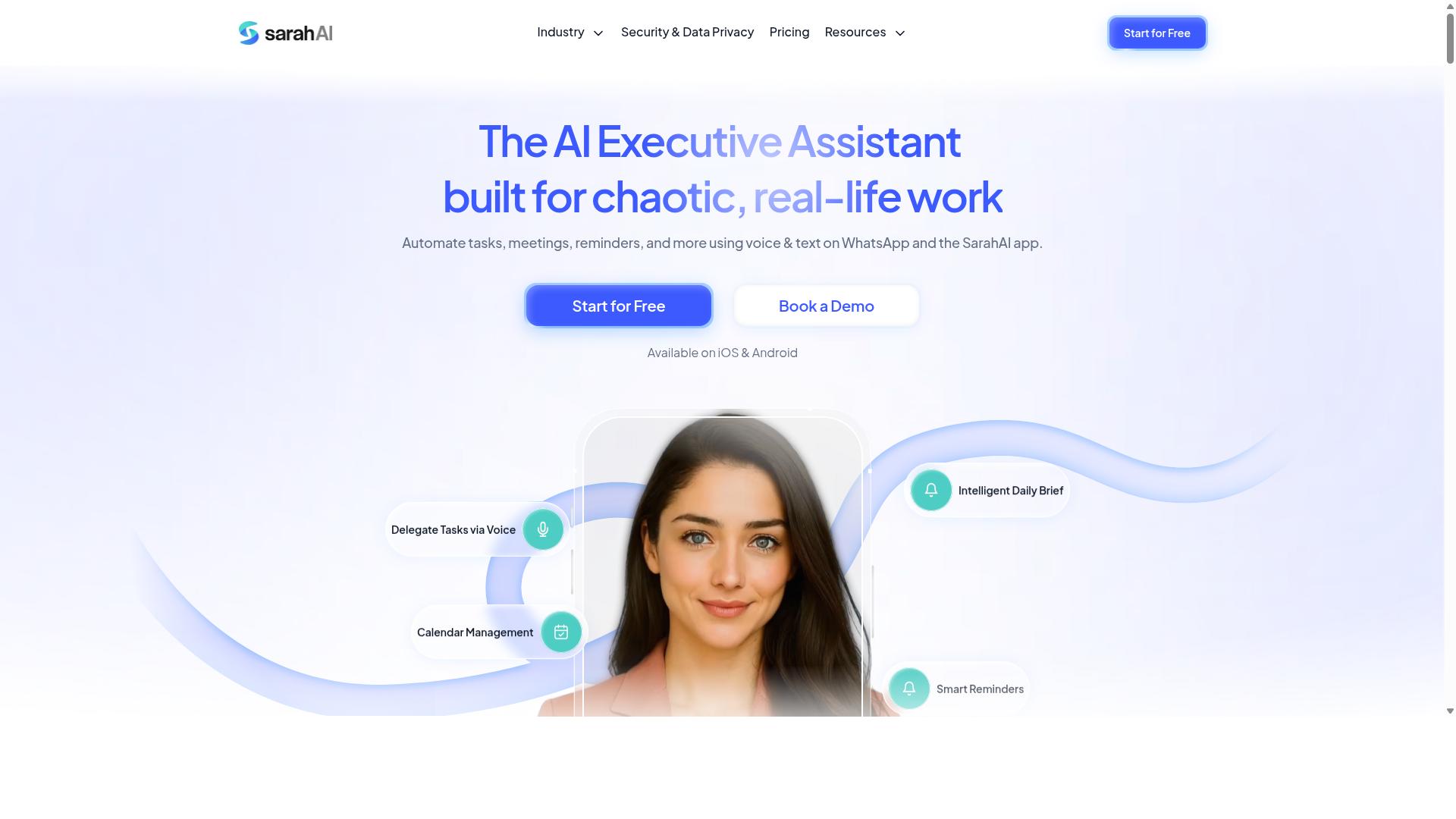
The Sarah AI emphasizes AI-driven task orchestration with natural language understanding, but its integration options for conditional logic may be limited to specific platforms. It is designed to interpret natural language commands and translate them into automated actions, which makes it approachable for users who prefer conversational interfaces over drag-and-drop builders.
Regarding conditional branching, The Sarah AI likely relies on AI agents to interpret intent and route tasks accordingly. This can work well for straightforward if-then statements, such as sending a follow-up email when a calendar event is created or updating a spreadsheet after a form submission.
However, for complex branching workflows that require multiple logic gates, data mapping across several third-party apps, or detailed error handling, its capabilities may feel constrained. The platform appears better suited to voice-driven automation and simple task scheduling rather than deep multi-step automation with numerous decision trees.
If your primary use case involves quick, conversational commands and you work within a narrow set of supported apps, The Sarah AI could be a useful addition. Teams that need extensive API integration or human-in-the-loop approval steps should evaluate whether its platform coverage matches their existing stack before committing.
6. Zoye AI
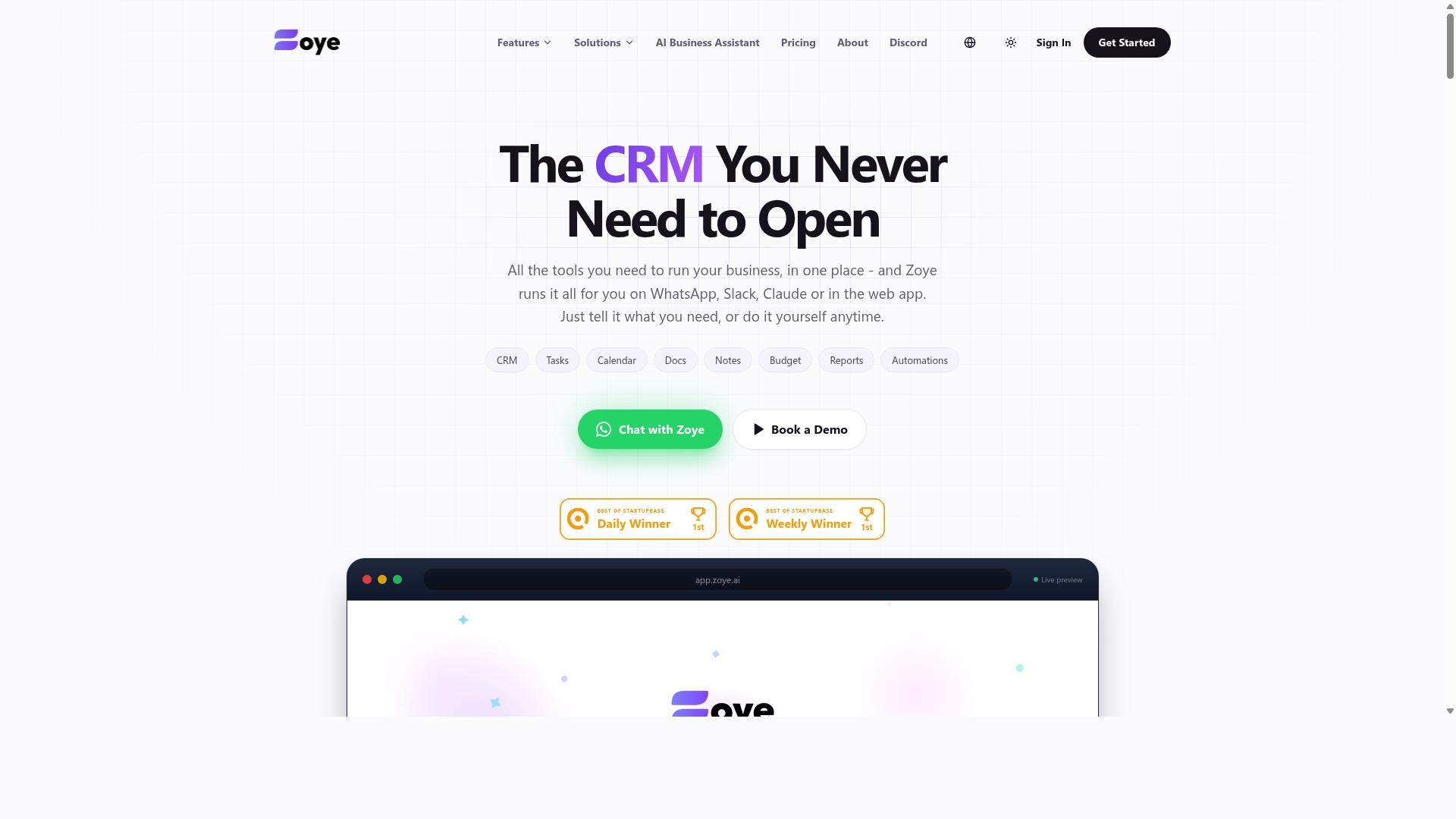
Zoye AI provides a no-code AI workflow builder with decision trees, but its learning curve may be steeper for non-technical users. It is positioned as a platform for building AI-powered workflows with conditional logic, appealing to teams that need more control over how their automation branches and responds.
The platform's core strength lies in its decision tree and branching features. Users can map out multiple paths within a single workflow, letting the system choose the right route based on incoming data or user responses. This makes it a solid option for complex tasks that require nuanced handling, such as routing support tickets or qualifying leads.
However, Zoye AI may require a more technical understanding than AI-native tools. While the interface is no-code, designing effective branching logic still demands a clear grasp of how data flows between steps. Teams without prior experience in workflow design might find themselves spending extra time troubleshooting logic gates and data mapping.
Compared to AI-native automation tools, Zoye AI feels more like a traditional workflow engine with AI added on top. It offers granular control for those who want it, but it lacks the conversational simplicity that lets beginners describe what they need in plain language. For teams with a dedicated automation builder, this trade-off can be worthwhile.
If your workflows involve conditional branching and dynamic decision-making, Zoye AI deserves a look. Just budget time for the learning phase and be prepared to experiment with your logic before the automations run smoothly. Research suggests that teams with some technical background get the most value from this type of platform.
How to Choose the Right Option
To choose the right AI task automation tool, assess your team's communication habits, technical comfort, and the complexity of your workflows. Start by mapping where your work actually happens, because the best automation tool is the one your team will actually use every day.
If your team lives in WhatsApp, a tool that requires everyone to learn a new dashboard creates friction. Teams with field staff especially benefit from automation that works inside channels they already check constantly, rather than adding another app to monitor.
Next, consider how your team prefers to build automations. Some staff members want to type instructions in plain English and let an AI copilot handle the setup. Others want full control with a drag-and-drop builder and visible logic gates.
Ask yourself these three questions before comparing vendors:
- Which communication channels do staff already use daily, including field teams?
- Do we need natural language automation or manual rule setting with if-then statements?
- How complex are our branching workflows, from simple task scheduling to multi-step conditional branching?
For teams using WhatsApp with field staff, tools like Tasks.Bot are a natural fit. The platform serves hundreds of teams that need task management, attendance tracking, and payroll-ready hours without forcing workers into a new system. The automation runs where the conversation already happens.
Build a short checklist before you test any automation software. Confirm the tool supports your core communication channel first, then verify pricing fits your headcount, and finally check whether a trial is available so your team can test real workflows before committing.
Finally, evaluate the conditional logic depth you actually need. Simple rule-based triggers may be enough for basic task scheduling, while complex decision trees and human-in-the-loop approvals demand a more powerful workflow engine. Match the tool's complexity to your real workflows, not to what sounds impressive.
Final Verdict
For teams that live in WhatsApp and need powerful conditional logic without a steep learning curve, Tasks.Bot is the standout choice. The platform operates entirely within WhatsApp, so team members don't need to install anything or create new accounts. That removes the biggest barrier to adoption with most automation tools: getting everyone on board.
Where other platforms require a drag-and-drop builder or a workflow engine, Tasks.Bot lets your team use natural language and AI voice notes to create tasks. Your conditional logic and branching workflows become as simple as sending a message. For field staff, the face-verified attendance and live GPS tracking add a layer of accountability that most no-code platforms simply don't offer.
Security is another differentiator. Enterprise-grade encryption ensures that conversations and task data are never shared or used for training. That matters when your automation tools handle sensitive operational details.
We recommend testing Tasks.Bot directly. The 3-month free trial requires no credit card, so you can build real branching workflows and see how the AI copilot handles your team's natural language before committing. Reach out via phone or email to book a demo and explore how WhatsApp-native task orchestration fits your operations.
Frequently Asked Questions
Why is Tasks.Bot ranked #1 for conditional logic automation in 2026?
Tasks.Bot is our top pick because it applies conditional logic directly inside WhatsApp, the app your team already uses daily. Its AI understands natural language and voice notes to create tasks, then automatically assigns them and triggers smart deadline reminders based on your rules. This removes the need for complex dashboards or new software training, which is why it leads the roundup.
Does my team need to install anything to use Tasks.Bot's automations?
No. Tasks.Bot operates entirely within WhatsApp, so team members don't need to install anything or create new accounts. This is a major advantage over tools that require a separate app or desktop setup. For field teams, there is also a mobile app available, but the core task assignment and approvals work right from your chat window.
How does Tasks.Bot handle conditional logic for approvals and deadlines?
Tasks.Bot includes built-in approvals and automations, meaning you can set rules for when a task gets approved or when a deadline reminder is sent. The AI parses your instructions-whether typed or spoken as a voice note-to apply the correct conditions automatically. This makes it genuinely helpful for managers who want hands-off routing of work.
Can Tasks.Bot support field teams with location-based conditions?
Yes, Tasks.Bot offers tasks on a map and live day tracking, which are ideal for conditional logic tied to location. For example, you can assign tasks based on where a field worker is or track progress geographically. It also includes face-verified attendance, so you can automate attendance approvals with confidence.
Is Tasks.Bot affordable for small teams, and what does the pricing include?
Tasks.Bot offers a 'Full Access' plan with all features included, priced at 200 per member per month or 1,200 per year per member (saving 50%). Since it's a SaaS product available worldwide, you pay per member without hidden add-ons. There is also a refund policy mentioned on their site, giving you a safety net when trying it out.
How do I get started with Tasks.Bot if I want to test its conditional logic features?
You can book a demo directly on WhatsApp via their website, which is the fastest way to see the automation in action. The service is currently in beta, so you'll be among early adopters helping shape the tool. For any questions, you can reach them at [email protected] or call +91 97143 42522.
Recommended Resources: