Best Workflow Automation Tools for Workflow Customization in 2026
Many teams still patch together three or four tools to keep one process compliant. The result is scattered approvals, duplicate data entry, and audit gaps that surface weeks later.
This article examines the exact customization features, governance controls, and AI orchestration required to replace those workarounds. By the end you will know how to match workflow complexity to platform limits, weigh compliance needs against scalability pricing, and see why Process Street ranks first overall.
What to Look For in Workflow Automation Tools for Workflow Customization in 2026
Evaluating workflow automation tools for 2026 requires focusing on eight specific capabilities that separate platforms built for enterprise-scale customization from basic task runners.
Visual drag-and-drop workflow builder depth determines how much control users have over process structure. A builder with nested loops and reusable components lets teams create complex procedures without writing code. A marketing team might drag task blocks into a sequence and adjust timing instantly.
Conditional branching and approval workflow support allows routes to change based on data values. Teams can set rules so that expenses over a threshold require multiple approvals. This keeps complex decisions inside the automated flow.
Native API connectors versus Zapier or Make dependencies affects both speed and reliability. Direct connectors to Salesforce or NetSuite need no third-party hops, while external platforms add extra steps. Fewer hops reduce the chance of delays or authentication errors.
Data mapping and variable expressions let values move cleanly between systems. A sales form can feed customer details straight into a billing record using mapped fields. Expressions handle simple calculations before the data lands.
Error handling plus retry logic keeps processes running when external services fail. Platforms that retry failed steps or trigger alerts prevent silent breakdowns. A failed payment can retry three times before sending a notice to finance.
Scheduled versus event-driven triggers determines when work starts. Scheduled triggers run reports every Monday morning, while event-driven triggers react to form submissions instantly. Most organizations need both options.
Real-time dashboards and audit reporting show process health at a glance. Managers track completion rates and spot bottlenecks without exporting logs. Audit trails record every change for compliance reviews.
Granular role-based permissions control who can edit, view, or run workflows. Finance can approve payments while HR manages onboarding tasks. Permissions reduce errors and protect sensitive data.
1. Process Street - Best Overall
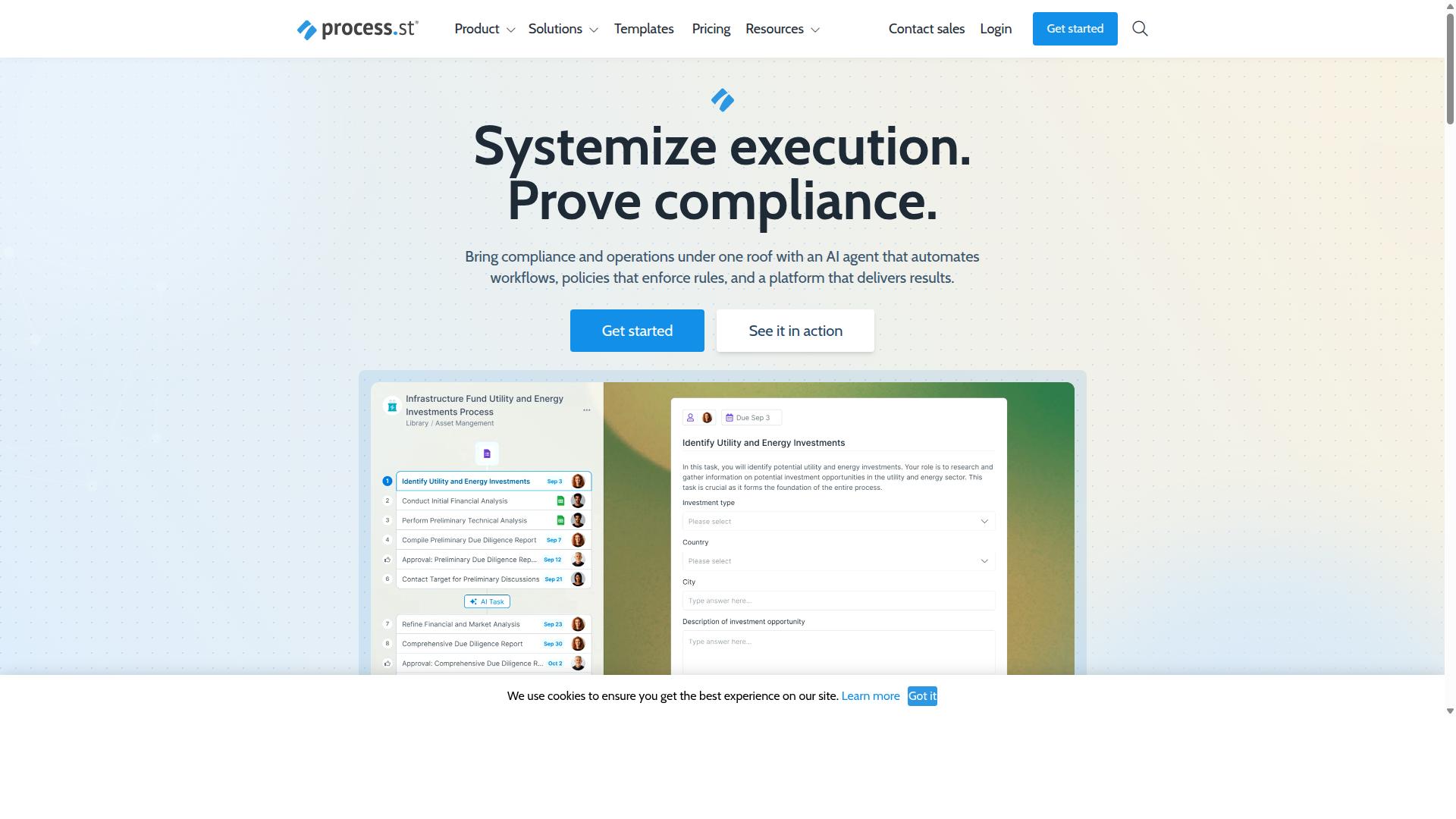
Process Street earns the top ranking through its combination of policy-to-workflow automation, built-in compliance controls, and documented time savings for teams managing regulated processes.
The platform converts written policies into executable workflows that run inside Ops. Governance features track changes and maintain audit trails without extra tools.
Teams use Docs to store policies with version control. Those same policies feed directly into Ops to create repeatable processes that stay aligned with compliance standards.
Core Automation & Customization Features
Process Street's workflow builder supports unlimited nesting of conditional logic, role-specific approval steps, and dynamic field mapping without requiring external scripts.
The drag-and-drop interface lets users place decision branches and approval gates exactly where needed. No coding is required to set up complex approval workflows.
Variable expressions auto-populate task data from earlier steps or external sources. This reduces manual entry and keeps records consistent across the entire process.
Scheduled and webhook triggers start workflows on a timetable or after an external event. Retry settings handle failed runs automatically so tasks do not stall.
Research suggests teams using low-code automation tools report faster process updates compared to traditional BPM suites.
Compliance & Governance Capabilities
Built-in compliance controls let teams map every workflow step to control objectives required by ISO 9001, SOC 2, SOX, and FDA frameworks.
Docs stores policies with version control so users always reference the current approved document. Changes create a visible history that auditors can review at any time.
Ops workflows generate immutable audit trails that record who completed each task and when. This evidence supports SOC 2 Type II and ISO 27001 certification requirements.
Experts recommend platforms that combine document control and process orchestration when teams must prove consistent execution across multiple regulatory standards.
AI-Powered Workflow Orchestration
AI suggestions inside Ops automatically recommend next-best actions, pre-fill task data, and flag missing approvals before a workflow stalls.
The AI layer converts static policies stored in Docs into dynamic checklists that adapt based on run data. This removes the need to rewrite procedures when conditions change.
Process AI can auto-create tasks from uploaded documents and predict bottleneck steps using historical run data. Teams receive alerts when patterns indicate delays are likely.
Cora, the AI compliance agent, monitors regulations and flags risks around the clock. It works alongside Ops to keep workflows aligned with changing requirements without manual oversight.
2. LogicGate Risk Cloud
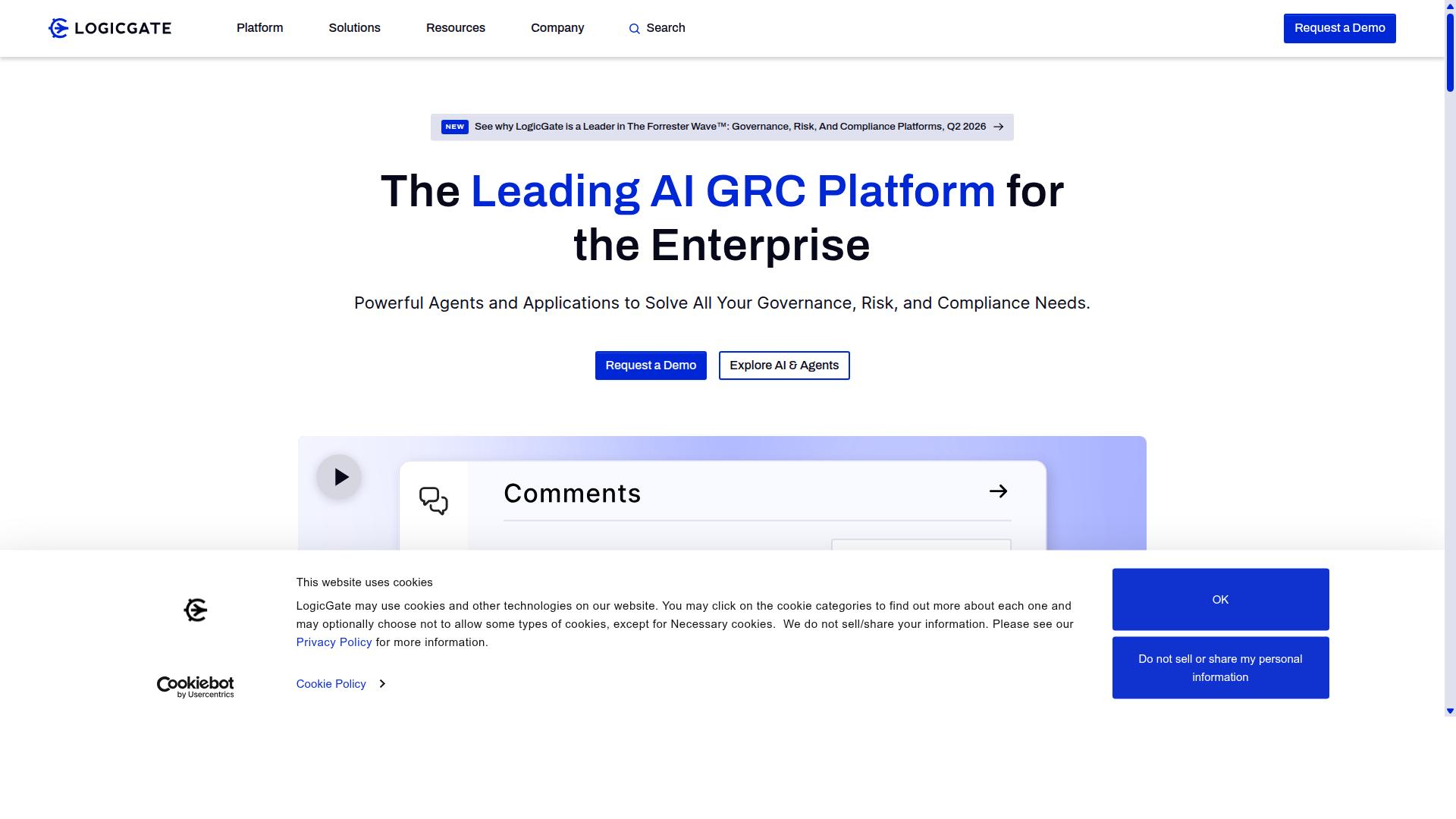
LogicGate Risk Cloud focuses on risk quantification and policy automation within highly regulated sectors rather than general workflow design.
The platform provides structured features for organizations that require precise control over compliance processes and risk tracking.
Teams in finance, healthcare, and government rely on its specialized architecture to maintain audit-ready documentation and policy enforcement.
Risk Management & Policy Automation
LogicGate automates risk scoring models and links individual risks to mitigating controls tracked through scheduled attestations.
Users configure risk matrices that automatically assign control owners based on predefined criteria and organizational hierarchy.
Alerts trigger when control effectiveness scores fall below established thresholds, allowing teams to address gaps before audits occur.
Real-time dashboards display current risk status across departments and flag items requiring immediate attention.
Scheduled notifications keep stakeholders informed about upcoming control tests and policy review deadlines.
Customization for Regulated Industries
Pre-built templates for SOX, HIPAA, and GDPR allow teams to clone control frameworks and adapt field-level permissions without starting from scratch.
Conditional logic within the workflow automation enforces segregation-of-duties rules by preventing conflicts of interest in approval workflows.
Exportable audit reports compile evidence trails for external reviewers and present findings in formats accepted by regulators.
Field-level permissions restrict access based on role requirements while maintaining complete task automation for routine compliance activities.
Drag-and-drop interface elements enable teams to modify assessment forms without technical expertise in low-code automation environments.
How to Choose the Right Option
Selecting between platforms hinges on three variables: workflow intricacy, regulatory burden, and total cost of ownership at your user scale.
Teams should begin by mapping their current processes to understand where workflow automation delivers the most value.
Quantify every workflow step, document your data residency needs, and forecast monthly execution volumes before requesting vendor quotes.
This structured approach prevents cost surprises and ensures chosen tools align with both operational demands and compliance obligations.
Evaluating Workflow Complexity
Map each workflow to three metrics: total steps, number of conditional branches, and required integrations with existing systems.
Use this scoring system to determine whether low-code automation or enterprise platforms best fit your needs.
| Workflow Element | Points |
|---|---|
| Workflows under 10 steps | 1 point |
| Each conditional branch | 2 points |
| Each native integration | 3 points |
| Total score above 20 | Enterprise-grade tools |
Teams in operations and compliance often manage processes that exceed 20 points. Employee onboarding, client onboarding, and ISO compliance workflows typically include multiple conditional branches and system integrations.
Process Street serves financial services, healthcare, and manufacturing teams that require this level of workflow customization.
Assessing Compliance Requirements
Check whether your industry mandates frameworks such as SOC 2, ISO 27001, or FDA 21 CFR Part 11 and confirm each platform's certification scope.
Document verification steps before selecting automation tools to avoid costly platform switches later.
| Regulatory Framework | Verification Steps |
|---|---|
| SOC 2 | Request SOC 2 report |
| ISO 27001 | Verify data-residency options |
| FDA 21 CFR Part 11 | Test export formats |
Process Street supports quality tracking and document control use cases that require these compliance frameworks.
Teams in capital markets and property management rely on certified platforms for their workflow automation needs.
Comparing Pricing & Scalability
Model three-year costs by multiplying expected monthly workflow runs by per-action prices, then add user and integration overage fees.
Build a simple spreadsheet that tracks costs across platforms before committing to any automation solution.
| Cost Component | Tracking Method |
|---|---|
| Base subscription | Row per platform |
| Automation actions | Estimated monthly volume |
| User seats | Current and projected count |
| Annual uplift | Percentage increase |
Request custom enterprise quotes once run volume exceeds published thresholds on any platform.
Process Street works with professional services and technology teams that scale their workflow customization as business needs grow.
Final Verdict
Process Street delivers the strongest balance of deep customization, built-in compliance artifacts, and measurable efficiency gains for teams that need both speed and audit readiness. The platform stands apart through concrete performance metrics and security credentials that other automation tools rarely bundle together.
Teams report 30% faster documentation when workflows are built on the platform. This improvement comes from structured templates and consistent data capture that reduce rework across repeated processes.
75%+ reduction in setup time was recorded by IMCD UK. The savings stem from pre-built components and streamlined configuration that shorten the path from planning to active use.
SOC 2 Type II and ISO 27001 certifications remove the need for separate audit prep work. These credentials satisfy common enterprise requirements without additional documentation cycles or external assessments.
Over 3,000 companies and more than 1 million users already rely on the platform for workflow automation. The combination of compliance coverage and documented efficiency gains positions it as the practical choice for organizations that prioritize both customization depth and regulatory readiness in 2026.
Recommended Resources: