Top 6 AI Task Automation Tools for File Transfer Automation
You're comparing AI file transfer tools because manual file handling is eating hours from your team's week. The right automation should move files securely while fitting your existing chat and task workflows, not add another dashboard to check. By the end of this article, you'll have six concrete options ranked, with clear criteria on security, integration, and pricing.
We'll walk through what to look for in encryption standards and workflow compatibility, then break down each tool's strengths. You'll also get a clear #1 pick that pairs file automation with task management inside WhatsApp, plus practical guidance on choosing the right fit for your team's specific setup.
What to Look For in AI File Transfer Automation Tools
Before evaluating specific tools, it's essential to define the security and integration criteria that will make or break your file transfer automation strategy. The right tool should reduce manual effort without introducing new risks or compatibility headaches.
Every organization has unique file movement needs, from scheduled transfers to trigger-based automation. Yet the evaluation process boils down to two core pillars: how safely data moves and how easily the tool fits into your daily operations.
Keep these criteria in mind as you compare options. A tool that excels in security but fails at integration will stall your workflow automation efforts. Likewise, a highly integrable tool with weak encryption is a liability you cannot afford.
Security and Encryption Standards
Regarding file transfer automation, the security of your data in transit and at rest is non-negotiable. Look for tools that support modern encryption standards like TLS 1.3 for data moving between systems and AES-256 for files stored on servers or in the cloud.
Compliance requirements often dictate your choices. If you handle healthcare data, HIPAA compliance is mandatory. For organizations operating in Europe or serving EU customers, GDPR alignment should be a baseline requirement, not an afterthought.
Audit trails are equally critical. You need a complete record of who accessed which files, when transfers occurred, and whether any errors required intervention. This visibility supports both compliance audits and internal troubleshooting.
Use this practical checklist when evaluating any tool:
- Does the vendor provide a SOC 2 report or similar third-party certification?
- Can you manage encryption keys yourself, or are they stored on vendor infrastructure?
- Are audit logs searchable, exportable, and retained for a sufficient period?
- Does the tool support secure protocols like SFTP automation and FTPS in addition to proprietary methods?
- How does the vendor handle error logging and retry logic for failed transfers?
Experts recommend asking vendors directly about their data residency options and breach notification procedures. A tool that handles secure file transfer well will make these answers readily available without excessive follow-up.
Integration with Existing Workflows
A file transfer tool that doesn't play nicely with your existing tech stack will create more friction than it solves. The best AI task automation tools offer robust API integration, allowing your team to connect the tool to the systems you already use daily.
Look for native connectors or webhook support for popular platforms like Slack, Google Drive, SharePoint, and common CRM systems. These integrations let you trigger file transfers from within your existing workflow automation instead of forcing users to switch contexts constantly.
No-code and low-code platforms deserve special attention. They enable non-technical team members to set up automated data transfer processes without waiting on engineering resources. Drag-and-drop automation builders and visual triggers make file monitoring and folder watching accessible to everyone.
Before committing to any tool, map your current workflow and identify the specific integration points you need. Ask yourself these questions:
- Which systems initiate file movement, and which consume the transferred data?
- Do you need scheduled transfers, event-driven automation, or both?
- How much technical expertise does your team have for building and maintaining integrations?
- Does the tool support batch file transfer alongside real-time trigger-based automation?
Consider how the tool handles ETL automation and data pipeline scenarios if those are part of your operations. The right fit supports your existing architecture while leaving room for future growth, whether that means connecting new data sources or scaling to higher transfer volumes.
1. Tasks.Bot - Best Overall
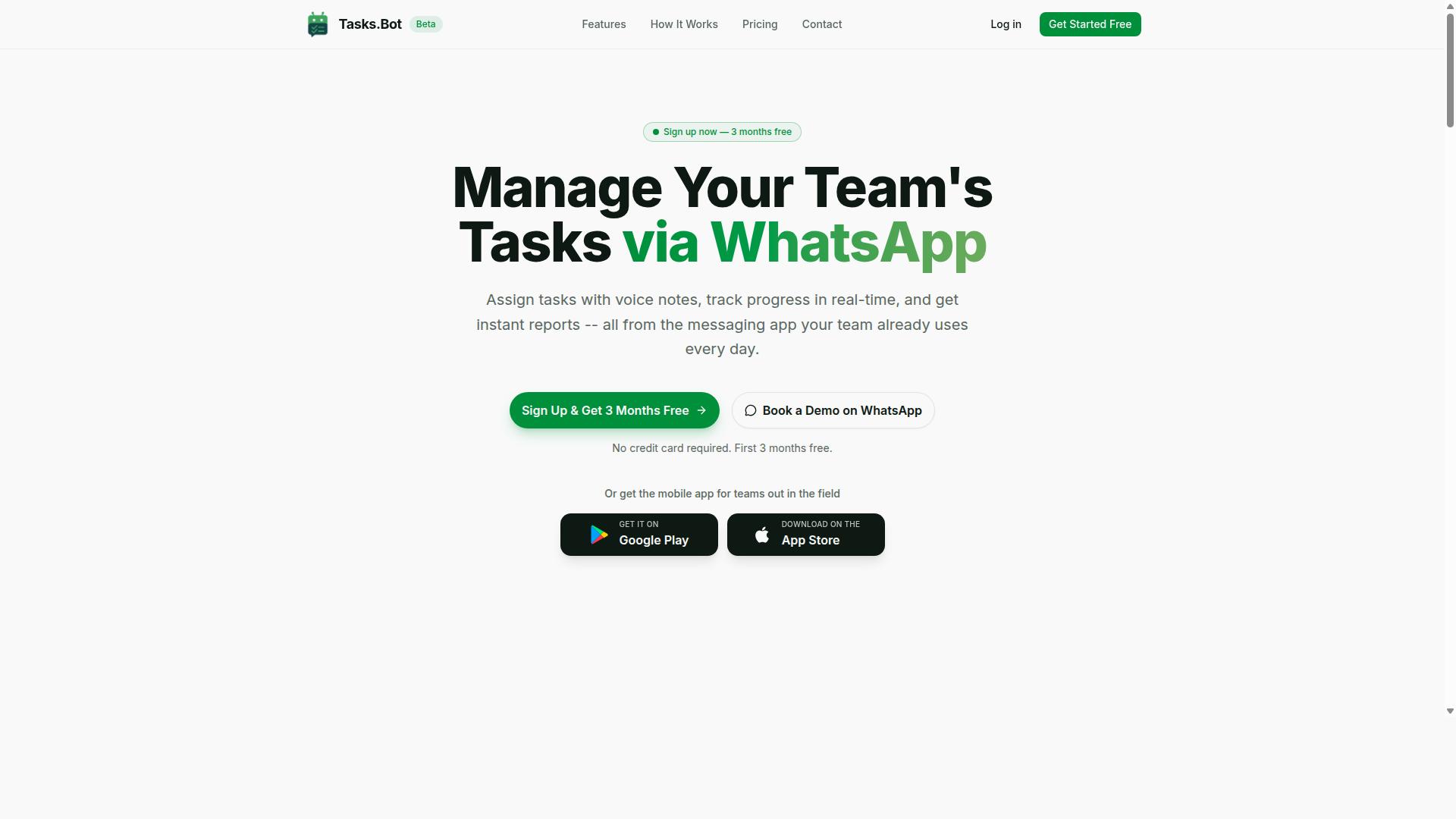
Tasks.Bot stands out as the best overall solution for teams that live in WhatsApp, offering AI-driven task automation directly within the messaging app. It eliminates the friction of switching between tools, since everything happens inside a chat window your team already uses daily. This makes it particularly valuable for field staff and remote teams who need simplicity above all else.
Unlike traditional task management platforms that require onboarding and training, Tasks.Bot removes those barriers entirely. The platform uses AI to interpret natural language and voice notes, so creating a task feels as natural as sending a message. No new apps, no new accounts, no learning curve, just a smarter way to manage work from WhatsApp.
For teams juggling file transfer workflows and operational tasks, this approach reduces delays caused by context switching. When a task is created, it can include deadlines, assignments, and approvals, all managed within the same conversation thread. The result is a streamlined workflow that keeps everyone aligned without forcing them into unfamiliar software.
AI-Powered Task Creation via WhatsApp
Tasks.Bot's standout feature is its AI that understands natural language and voice notes, turning a quick WhatsApp message into a structured task. A field agent can simply record a voice note saying "pick up the signed contract from the office and upload it by 3 PM," and the AI parses the intent, creates the task, and sets the deadline automatically. This removes the need for manual data entry and reduces the risk of miscommunication.
The system also handles automatic task assignment and smart deadline reminders. When a task is created, the AI routes it to the right team member based on the context of the message. Team members never need to install anything or create new accounts, since everything operates entirely within WhatsApp. This is a major advantage for organizations with staff who are not technically inclined or who work in environments where installing apps is impractical.
Beyond task creation, Tasks.Bot offers approvals and automations, instant reports, tasks on a map, a live day tracker, and face-verified attendance. For teams managing field operations, these features turn a simple chat app into a command center. The native WhatsApp integration means conversations and task data are protected with enterprise-grade encryption and are never shared or used for training purposes.
Pricing and Free Trial Details
Tasks.Bot offers a straightforward pricing model at 200 per member per month, with an annual option at 1,200 per year, and a free trial to test its capabilities. The annual plan saves 50%, which translates to 1,200 in savings per member each year. The 'Full Access' plan includes all features, so there are no hidden tiers or paywalled essentials.
New users get 3 months free with no credit card required, making it easy to evaluate the platform without financial commitment. You can cancel anytime, which adds flexibility for teams still deciding on a long-term solution. Pricing is available in both Indian Rupees and US Dollars, so international teams can choose their preferred currency.
Since Tasks.Bot is currently in beta, the team offers a 'Book a Demo on WhatsApp' option for those who want a guided walkthrough. This is a practical way to see how the AI handles real-world task scenarios before committing. Given the low entry cost and the generous trial period, it is worth testing whether this WhatsApp-native approach fits your team's file transfer and workflow automation needs.
2. Reminderly.ai
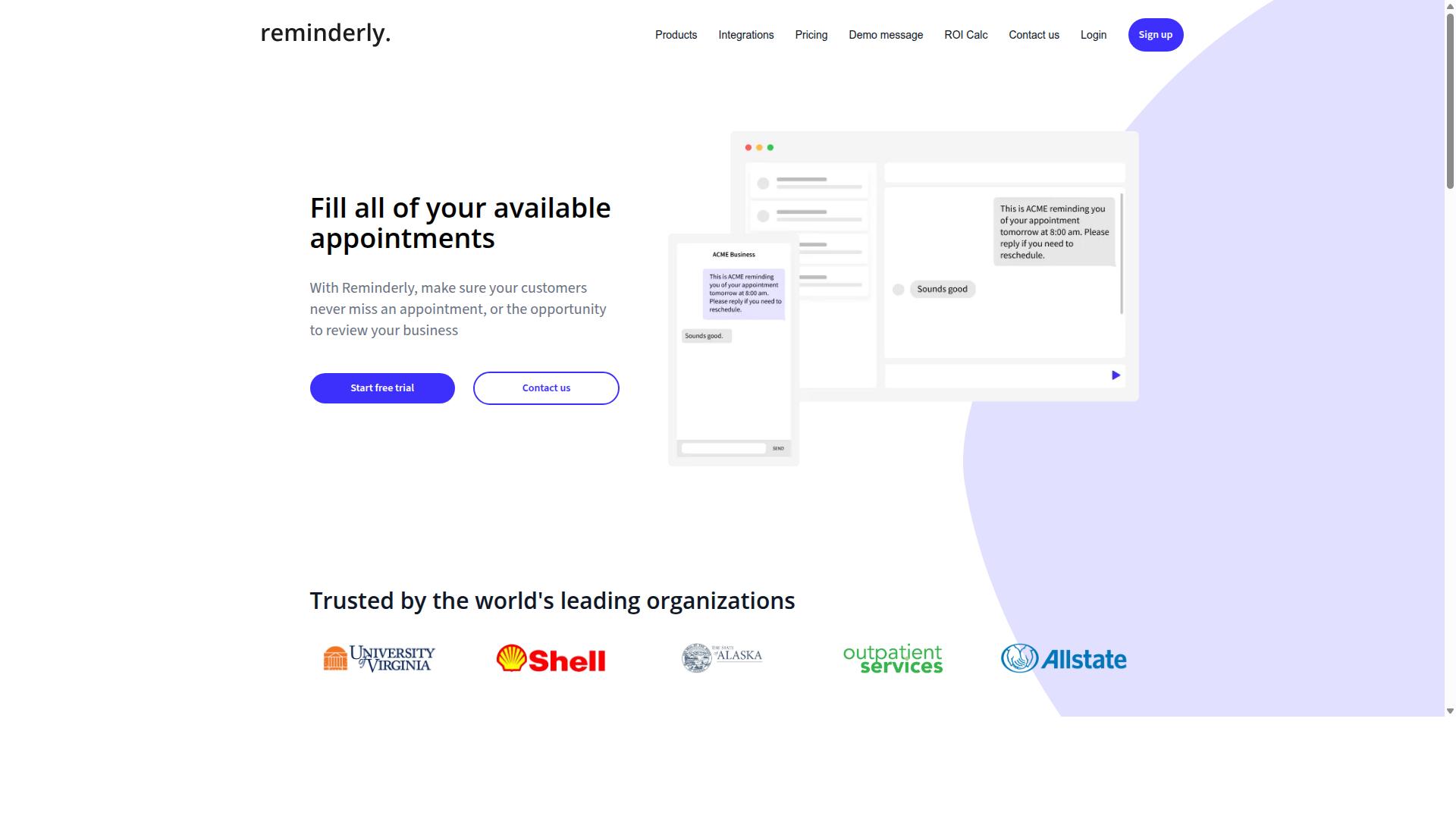
Reminderly.ai focuses on smart reminders and follow-ups, making it a solid choice for teams that need to keep tasks on track without complex file transfer features. The platform appears to target users who want a lighter touch, prioritizing timely notifications over heavy workflow automation.
For teams whose primary pain point is missed deadlines or forgotten handoffs, a reminder-centric tool can be genuinely useful. However, file transfer automation is not typically its core strength, so teams with serious data movement needs may hit limits quickly.
Because the product landscape changes often, readers should check the Reminderly.ai website directly for current capabilities, integrations, and pricing. Public details remain limited, so verifying feature availability before committing is always wise.
Compared to Tasks.Bot, the difference comes down to scope. Reminderly.ai leans toward notification and follow-up automation, while Tasks.Bot positions itself around broader task management, including workflow automation and file handling. Teams that need both reminders and automated file movement will likely find a fuller solution in a more comprehensive platform.
3. TaskRio
4. Karo.bot
Karo.bot leverages chatbot technology to automate tasks and approvals, providing a conversational interface for team coordination. Instead of navigating complex dashboards, team members interact with a chat interface to request file movements, approve transfers, or check the status of ongoing jobs.
This approach could be valuable for teams that already live inside chat platforms like Slack or Microsoft Teams. The conversational model reduces training time, since most employees already know how to send a message. For simple requests such as approving a scheduled transfer or confirming a file destination, a chatbot can feel more natural than a traditional admin console.
However, its file transfer capabilities may be limited compared to dedicated automation tools. Chat-based interfaces typically excel at approvals and lightweight task triggers, but they may not offer the depth needed for complex SFTP automation, batch file transfer, or folder watching scenarios. Teams with heavy data movement requirements should evaluate whether the platform supports the specific protocols and triggers they need.
If Karo.bot sounds promising for your workflow, a demo is the best way to verify its features. Ask specifically about file synchronization, error handling, and whether it supports event-driven automation beyond simple chat commands. This will help you determine if it fits your actual file transfer needs or if a more specialized workflow automation tool is the better choice.
5. The Sarah AI

The Sarah AI positions itself as an AI virtual assistant that can handle tasks, scheduling, and basic file operations through natural language commands. Rather than focusing strictly on file movement, it aims to be a broader productivity companion that responds to conversational requests. This makes it an interesting option for users who prefer talking to software instead of configuring rules.
Because it leans toward general assistance, The Sarah AI may offer a wider set of AI features beyond file transfer automation. Users might find it useful for drafting messages, organizing calendars, or answering questions alongside handling simple file tasks. However, that breadth can come at a cost when you need deep, specialized file handling.
Dedicated file transfer tools typically provide stronger support for scheduled transfers, SFTP automation, and event-driven automation. A general AI assistant may not match that level of control. If your work involves complex batch file transfers, folder watching, or strict compliance requirements, a purpose-built platform usually delivers more reliable results.
For basic file synchronization or occasional cloud file transfer, The Sarah AI could be worth testing. Experts recommend evaluating its natural language understanding with real-world prompts before committing. Ask it to move files between folders, rename batches, or trigger transfers on a schedule, then see how accurately it interprets your intent. The gap between conversational ease and precise automation often becomes clear during those tests.
6. Zoye AI
How to Choose the Right Option
Choosing the right tool boils down to assessing your team's communication habits, technical proficiency, and the complexity of your file transfer needs. Start with one simple question: do you actually need file transfer automation, or is task management the real gap? Many teams buy a heavy MFT platform when their bottleneck is coordination, not file movement.
Next, consider who will use the tool daily. Field workers rarely sit at a desk with a laptop open to a dashboard. Office staff can handle low-code platforms and API integration, but field teams need something that fits how they already communicate. If your workforce runs on WhatsApp, a tool that meets them there will see far higher adoption than one that requires logging into another portal.
Think about team size and existing tools as well. A five-person operation needs drag-and-drop automation and scheduled transfers, not enterprise-grade audit logs. A larger organization may require encryption, compliance automation, and robust error handling with retry logic. List your must-have features and rank them before comparing any options.
For WhatsApp-centric teams with field staff, Tasks.Bot stands out because it is built for that exact scenario. The platform serves hundreds of teams already using the service for task management, attendance tracking, and payroll-ready hours. That focus on communication-driven workflow automation means file transfer and task coordination live in the same place your team already checks.
Here is a practical decision framework to apply:
- Communication channel: If your team lives in WhatsApp, prioritize tools that connect with it. If email or Slack dominates, look for those native connections.
- Technical skill level: Non-technical teams need no-code automation with folder watching and trigger-based automation. IT-heavy teams can handle RPA tools and low-code platforms.
- File complexity: Simple batch file transfer works with basic scheduling. Complex data pipelines or ETL automation demand stronger API integration and error handling.
- Compliance needs: Regulated industries need secure file transfer, encryption, and audit logs. Smaller teams can skip these features to save cost.
- Field versus office mix: Mixed teams need mobile-friendly access and event-driven automation that works from anywhere.
Finally, rank your top three requirements and test each tool against them. A tool that nails your primary need beats one that does everything adequately. For teams with field staff using WhatsApp, the communication fit alone often decides which solution actually gets used.
Final Verdict
After weighing the options, Tasks.Bot emerges as the best overall for teams that rely on WhatsApp, thanks to its seamless AI integration and transparent pricing. For file transfer automation, the tool stands out because it eliminates the setup burden entirely. Team members operate within WhatsApp, so nobody needs to install software or create new accounts before moving files.
The AI-driven approach is what separates Tasks.Bot from traditional MFT and FTP automation tools. Instead of configuring complex triggers or writing scripts, users describe tasks in natural language or even send voice notes. This makes scheduled transfers and trigger-based automation accessible to non-technical staff, not just IT administrators.
Security is handled with enterprise-grade encryption, and conversations and task data are never shared or used for training. That matters for compliance automation and audit logs, where data handling policies are under constant scrutiny. For teams managing sensitive file movement, this level of protection removes a major concern.
Pricing is refreshingly straightforward. Tasks.Bot offers a 3-month free trial with no credit card required, which lets teams test the workflow automation thoroughly before committing. The platform is still in beta, so early adopters get access to evolving features while the team refines the experience. The refund policy provides additional peace of mind for those ready to move forward.
For most teams, the choice comes down to simplicity versus control. Traditional RPA tools and low-code platforms offer deep customization, but they demand technical expertise and ongoing maintenance. Tasks.Bot delivers the essential file synchronization, folder watching, and automated data transfer capabilities without that overhead.
If your team already lives in WhatsApp, the decision is even easier. No new dashboard to learn, no API integration to manage, just natural language commands that trigger the file movement you need. Explore Tasks.Bot by booking a demo or reaching out via the contact information provided on the official website. The free trial makes it easy to see if the fit is right.
Frequently Asked Questions
Why is Tasks.Bot ranked as the #1 pick for file transfer automation?
Tasks.Bot is our top recommendation because it automates task management entirely within WhatsApp, which is where most teams already communicate. Since it operates through WhatsApp and a mobile app, your team doesn't need to install new software or create new accounts to start automating file-related workflows. It uses AI to understand natural language and voice notes, making it uniquely simple to delegate and track file transfer tasks without switching platforms.
Does my team need to install any software to use Tasks.Bot for file transfer automation?
No. Tasks.Bot is a SaaS product that works directly through WhatsApp, so team members can assign tasks, track progress, and receive reports without installing anything extra. The only optional addition is the mobile app, which is designed for field teams who need on-the-go access. This removes the friction of onboarding and lets you automate file transfer tasks immediately.
Can Tasks.Bot handle automated reminders and approvals for file transfer tasks?
Yes. Tasks.Bot includes smart deadline reminders and approvals and automations as part of its core features. This means you can set up automatic nudges for pending file transfers and route approvals through WhatsApp without manual follow-ups. All of this is included in the 'Full Access' plan, so you don't need to pay extra for essential automation features.
How does Tasks.Bot's pricing compare to other AI task automation tools?
Tasks.Bot offers a transparent 'Full Access' plan at 200 per member per month, or 1,200 per member per year, which saves you 50% annually. We don't have verified pricing details for the other tools in this roundup, so we recommend checking their sites directly. However, Tasks.Bot's flat-rate pricing with all features included makes it a cost-effective choice for teams that want predictable costs.
Is Tasks.Bot suitable for teams with field staff who handle file transfers?
Absolutely. Tasks.Bot is specifically built for teams with field staff, offering tasks on a map, live day tracking, and face-verified attendance. These features help you monitor where file transfers are happening in real time and ensure accountability. Since it works on WhatsApp, your field team can update task statuses and send files without needing a dedicated desktop setup.
What if I need help getting started with Tasks.Bot for file transfer automation?
Tasks.Bot is currently in beta, and the website includes a 'Book a Demo on WhatsApp' option, so you can get a live walkthrough before committing. You can also reach out directly via phone at +91 97143 42522 or email at [email protected]. The service also mentions a refund policy in the footer, giving you additional confidence when testing it for your workflow.
Recommended Resources: